Step 4 - The 24-word recovery phrase: your only backup
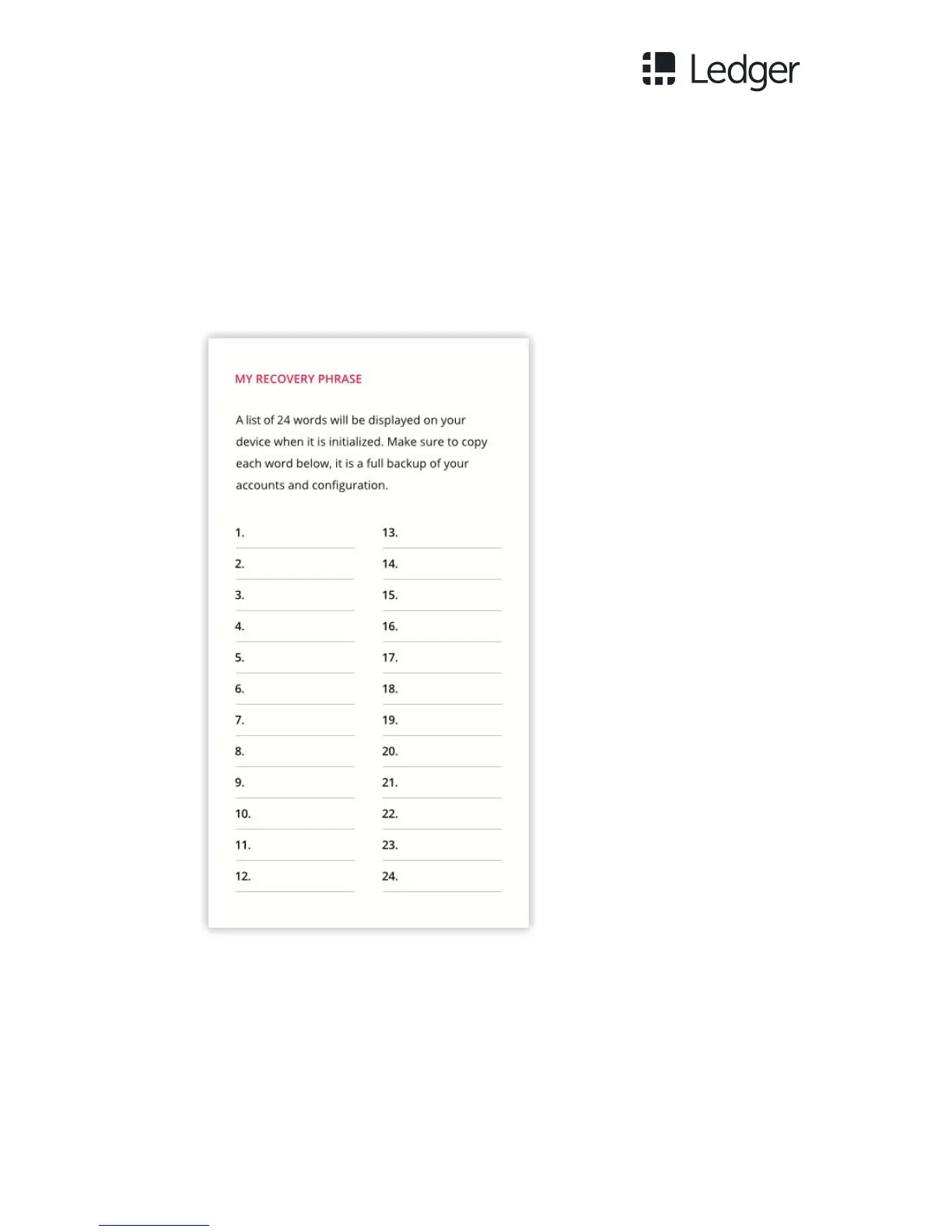
The 24 words will now be displayed one by one on the Ledger Nano S screen. Be
careful, these 24 words will be displayed only once on the screen during the
initialization process.
1. Take the blank Recovery sheet supplied in the box.
2. On the Recovery sheet, write down the first word (Word #1) and verify that
you have copied it correctly in position 1.
3. Move to the second word (Word #2) by pressing the right button and verify
that you have written it correctly in position 2 on the Recovery sheet.
4. Repeat the process until the twenty-fourth word (Word #24).



 To Next Page