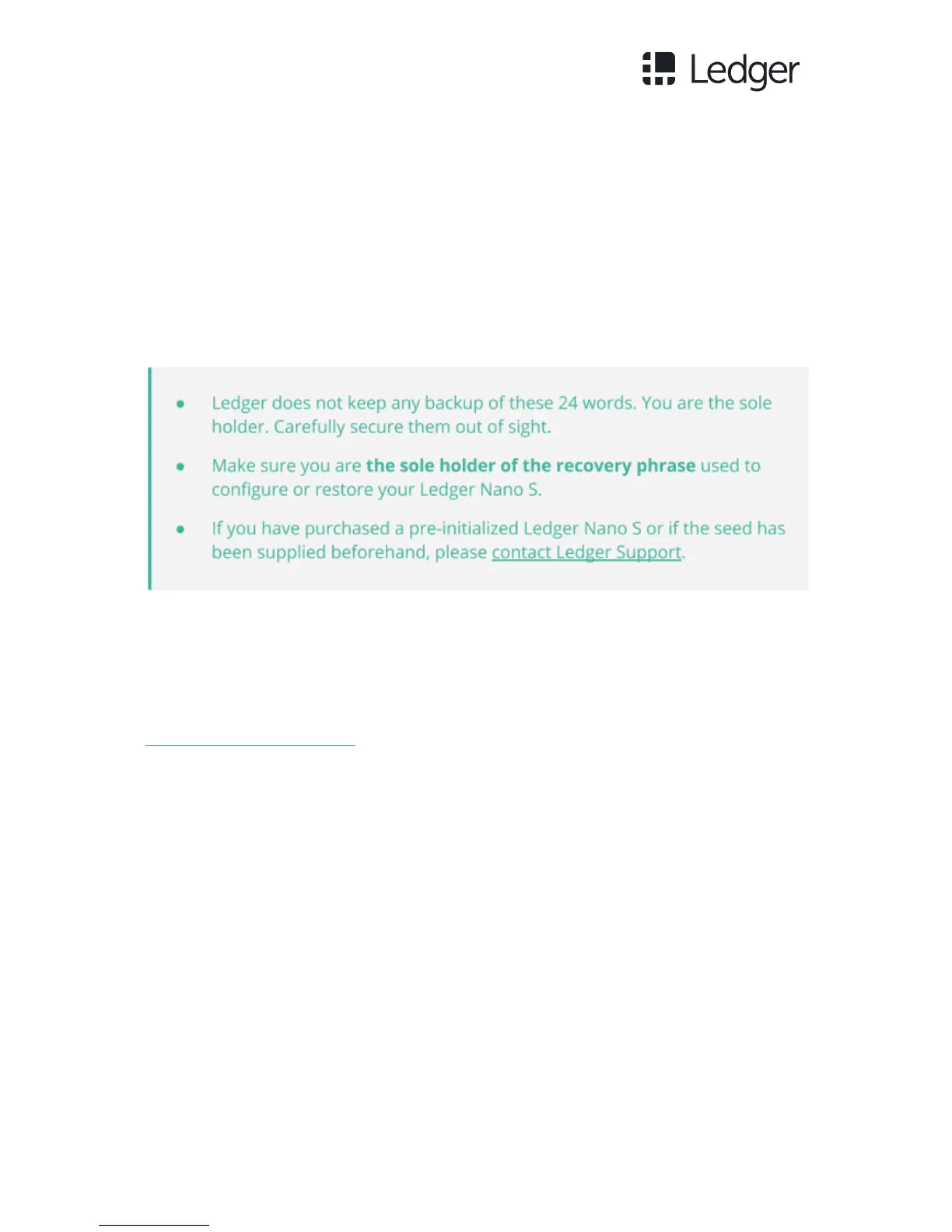
5. Validate the 24 words by simultaneously pressing both buttons. The
message Confirm your recovery phrase will be displayed on the Ledger
Nano S in order to confirm your 24 words. Select each required word by
navigating with the left or right button and validate the word by pressing
both buttons.
6. When your Ledger Nano S displays Your device is now ready, it has been
initialized and is ready for use.
Service and Support
To access the full documentation and Ledger Support, please visit
support.ledgerwallet.com.
Safety Precautions
● The Ledger Nano S is not waterproof. Keep it dry. In case of contact with
any liquid, clean it immediately with a dry cloth.
● The Ledger Nano S has an operating temperature situated between -25°C
and 50°C.
● The Ledger Nano S is not a toy, please keep it out of reach of children.



 To Next Page