www.prolight.co.uk Starlit Dance Floor User Manual
11
Button 1 – Red
Button 2 – Green
Button 3 – Blue
Button 4 – Yellow
Button 5 - Magenta
Button 6 - Cyan
Button 7 - White
Button 8 - Twinkle
(adjustable via speed)
Button 9 - Programs
(see chart below)
Button 10 - Speed decrease
Button 11 - Speed increase
Button 12 - Reset
Button 13 - Brightness decrease
Button 14 - Brightness increase
Button 15 - Blackout
Program 1 (Buttons 1 & 9) - Red & Green twinkle
Program 2 (Buttons 2 & 9) - Blue & Green twinkle
Program 3 (Buttons 3 & 9) - Red & Blue twinkle
Program 4 (Buttons 4 & 9) - Red, Green & Blue auto
Program 5 (Buttons 5 & 9) - Red, Green & Blue fade
Program 6 (Buttons 6 & 9) - Red & Blue fade
Program 7 (Buttons 7 & 9) - 7 colour fade
Operating instructions
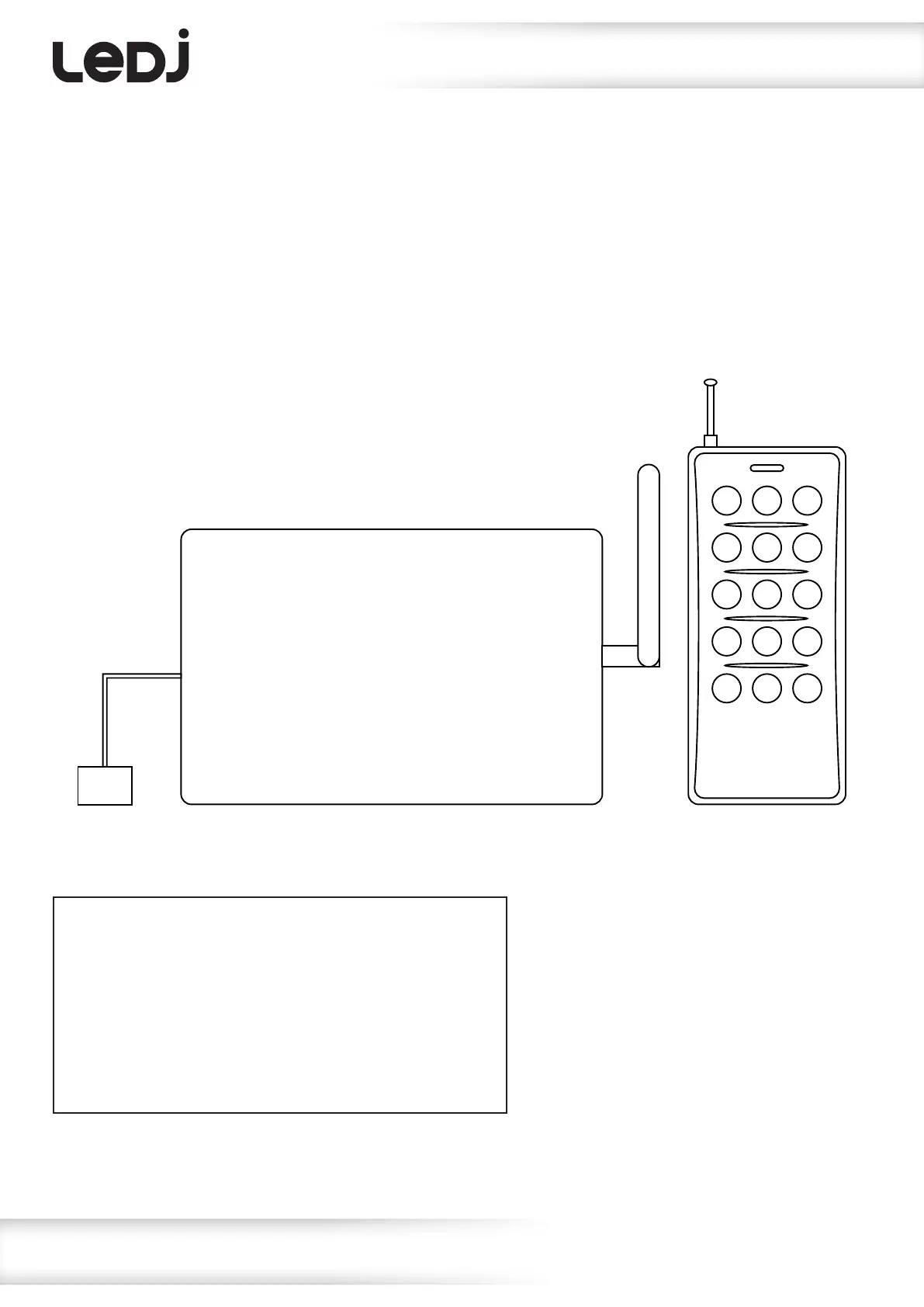
Remote Control (RGB Starlit Danceoor):
Connect the receiver unit to a suitable power source and power on. Ensure the handheld remote is tted
with a good quality battery (A23 12V Alkaline). Press the correct button as per the list below to select
the required mode of operation.
1 2 3
4 5 6
7 8 9
10 11 12
13 14 15
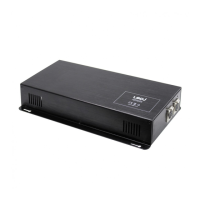
Wireless Receiver Wireless Remote
PSU


 To Next Page