2
Contact Sensor
Quick Start Guide
1. Product Introduction
The LEEDARSON Door/Window Sensor is a wireless sensor that is powered by a CR2 battery. The
door/window sensor lets you know when a door or window is opened, or closed, and can trigger different
actions in response to that open action or close action. This sensor uses the Z-Wave communication
module to connect with Z-Wave Gateway. This device can be adapted to use in the EU(868.42Mhz),
US(908.42MHz) or AU(921.42MHz). The door/window sensor supports the Over The Air (OTA) feature for
the product’s firmware upgrade. If you want your Door/Window Sensor to be a security device that uses
secure/encrypted messages to communicate in a Z-Wave network, then a security enabled Z-Wave
controller/gateway is needed.
2. Product Appearance
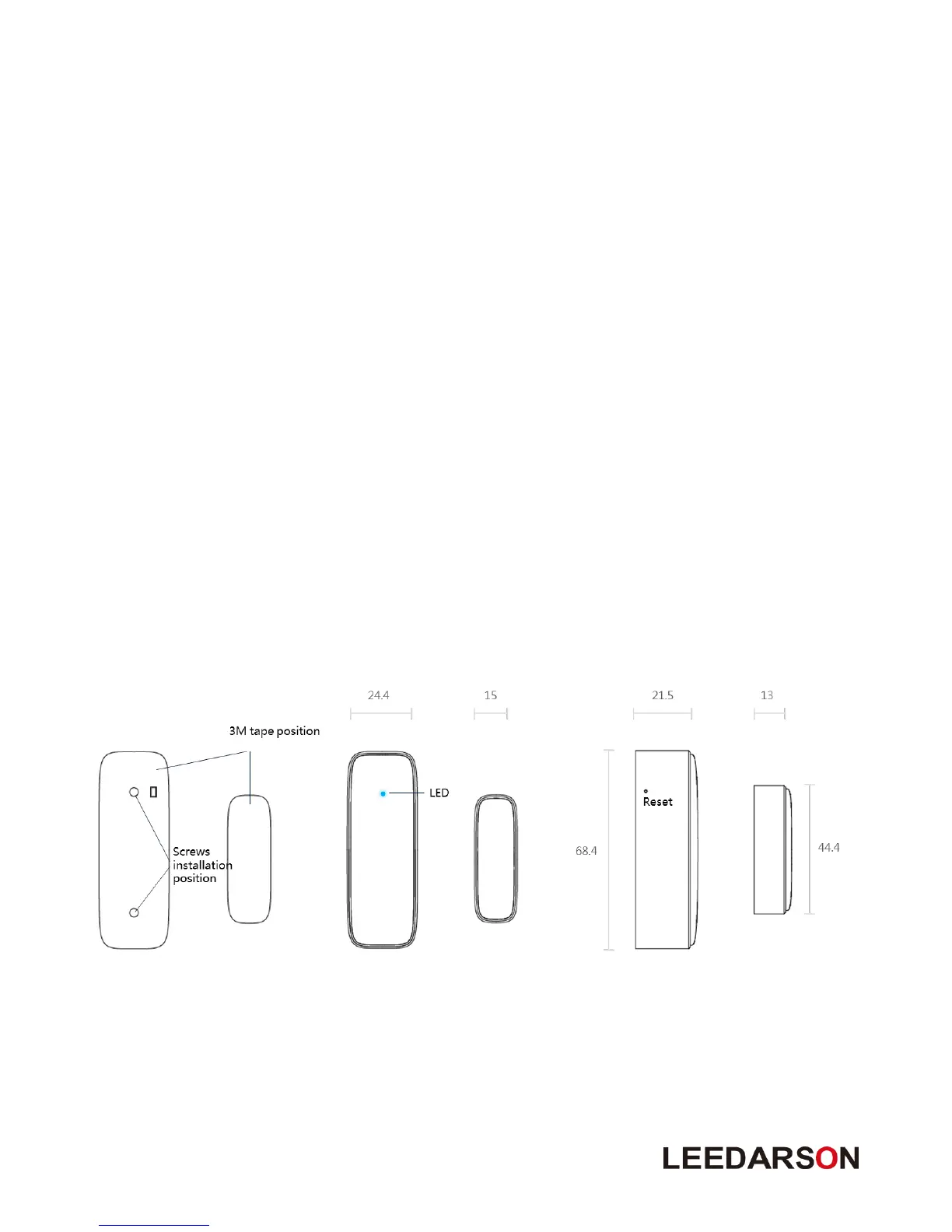
Product main components and function overview.
① Reset: Hold the key for 5s to reset the sensor. After reset, Door/Window Sensor will send
“Device_Reset_Locally” to the main controller and exclude it from the Z-Wave network when the button
is released. This procedure will reset the sensor to factory default.
② LED indicator: If sensor has not been added to controller, the LED will blink for than 5 seconds. Once
the device is joined to the network successfully, the LED will stay on for 3 seconds.



 To Next Page