EasyManua.ls Logo

leel JH-A610 - User Manual

Default Icon
17 pages
Print Icon
To Next Page IconTo Next Page
Loading...
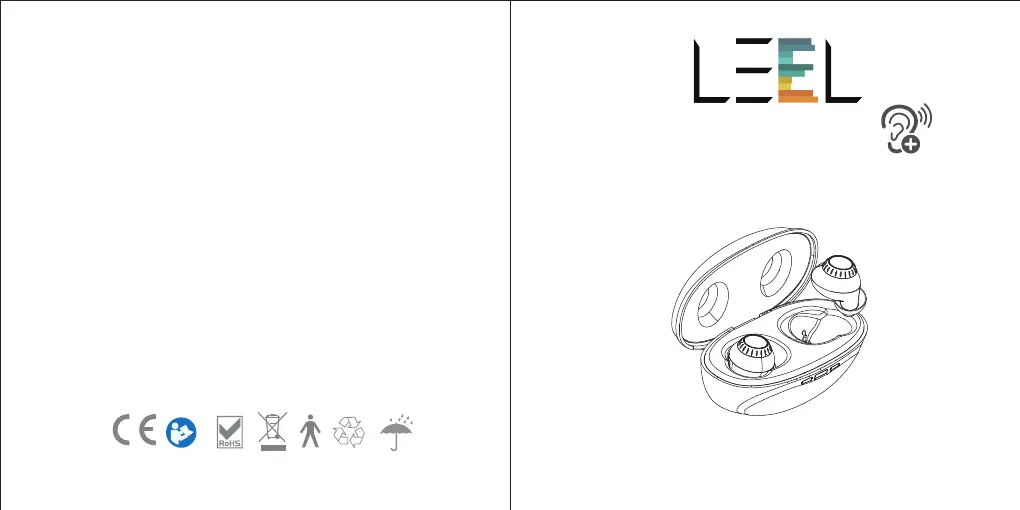
Instruction Manual Model: JH-A610
Please read this user manual thoroughly and
completely before using the product.
HEARING AMPLIFIER
VER: A610-20210609-V01

Questions and Answers

  • R
    Robert TaylorAug 9, 2025
    Why does my leel JH-A610 have no sound?
    • C
      Christian HuntAug 10, 2025
      There are several reasons why your leel Amplifier might not be producing sound: * It might not be correctly inserted, or the in-ear detection sensor isn't working. Try removing and re-inserting it. * The volume may be too low; increase it if possible. * The device may not be charged; charge it until the indicator light turns green. * The microphones or ear domes might be blocked. Clean any debris from these areas using a cleaning brush. * The battery could be low. Place the aids into the Charging Case for at least 1.5 hours. * The ear domes might be too loose, meaning the hearing amplifier is not correctly inserted into the ear. Try re-inserting it. * There might be earwax in the ear dome. Clean any debris from the ear domes and receiver area with the cleaning brush.
  • A
    Amy RiveraAug 14, 2025
    How to fix distorted sound from my leel Amplifier?
    • J
      Jason RogersAug 15, 2025
      If you're experiencing inconsistent performance or distorted sound with your leel Amplifier, place the aids in the charger until charging begins, then remove them. This will power cycle your hearing amplifiers.
  • I
    iedwardsAug 19, 2025
    What to do if my leel JH-A610 Amplifier indicator light doesn't light up in the charger?
    • K
      kiddcaseySep 12, 2025
      If the indicator light on your leel Amplifier doesn't illuminate when placed in the charging inserts: * Ensure the hearing amplifier is correctly inserted into the charger. * Verify the charger is connected to a power source. * If the battery is fully discharged, wait three hours after placing the hearing amplifier in the charger, regardless of the LED behavior.
  • A
    Audrey KingAug 25, 2025
    Why is my leel Amplifier whistling in the charger?
    • J
      Julie StevensAug 25, 2025
      If your leel Amplifier is whistling in the charger, it could be due to: * Incorrect orientation. Ensure the USB cable is connected to the Charging Case and plugged into power. The Case power status lights will flash orange to indicate charging. * Depleted charger battery. Reposition your hearing amplifiers in their slots, ensuring the contact points are touching the charge points in the case.
  • J
    Joseph MartinAug 29, 2025
    Why is the indicator light off after connecting my leel JH-A610 Amplifier?
    • F
      Francisco BarnettAug 29, 2025
      If the indicator light is not lit after connecting your leel Amplifier, it might be due to: * Poor contact between the hearing amplifier and the charging case. Try reinserting the hearing amplifier into the charging case. * The hearing amplifier may be reversed. Check to see if the hearing amplifier is reversed.
  • A
    Allison ConnerSep 4, 2025
    Why does my leel Amplifier keep playing a notification sound?
    • K
      kevin02Sep 4, 2025
      If your leel Amplifier is playing a notification sound, it is likely indicating a low battery. Charge the hearing amplifier.

leel JH-A610 Specifications

General IconGeneral
Channels2
Frequency Response20Hz-20KHz
Input Impedance47KΩ
Input Sensitivity200mV
Output Impedance4Ω - 8Ω
Power SupplyAC220V/50Hz