RCbro
®
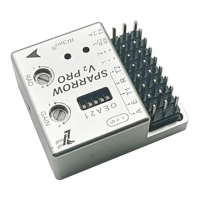
SPARROW V2 Pro
LefeiRC www.lefeirc.com/
◐ OSD position adjustment
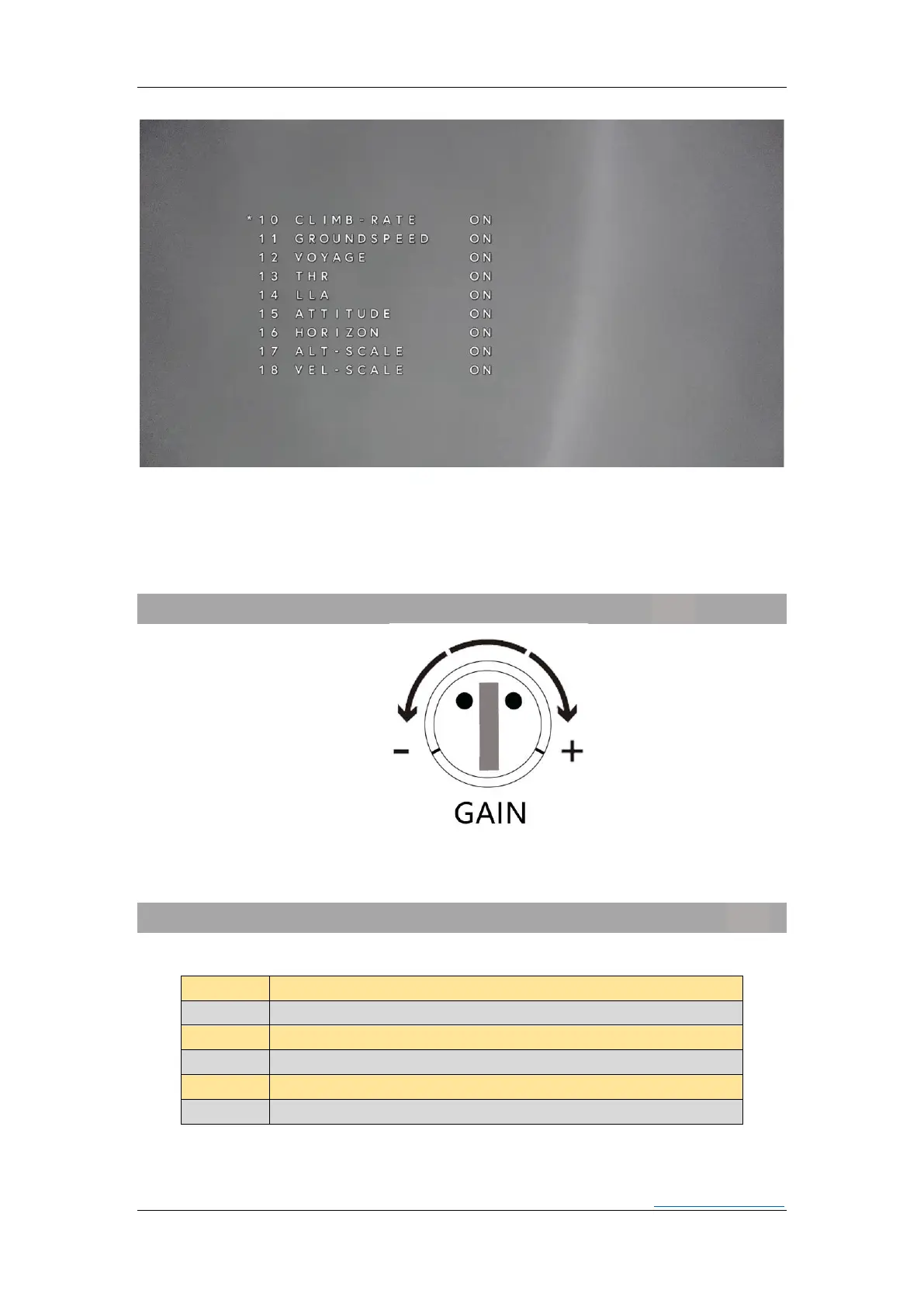
Quickly dial the flightmode channel to enter the menu. When the OSD item is set to
<ON>, quickly dial the mode channel to enter the OSD position adjustment page, and
adjust the OSD position through the roll and pitch sticks. After the adjustment is completed,
quickly dial the mode channel can exit.
Gain
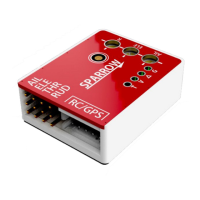
The knob adjusts the gain of ROLL and PITCH at the same time. On the premise of
ensuring that the aircraft does not shake during flight, the gain can be increased
appropriately to improve the sensitivity and stability.
Flight Mode
➢ How


 To Next Page