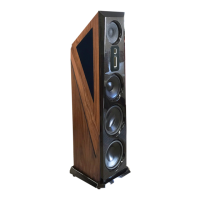
1 Left Aeris speaker bass amplifier
2 Left midrange/treble amplifier
5 Right Aeris speaker bass amplifier
6 Right midrange/treble amplifier
Wavelet processor outputs:
Wavelet Speaker Connections for Aeris
Let's first connect the outputs of your Wavelet to your Aeris speaker and external amplifier. These outputs are all that are necessary to setup your
Wavelet with Aeris. The input connections from your Player, Transport, Preamp etc. can be connected after setting up your Wavelet.
Wavelet can output both balanced XLR and RCA, offering maximum connectivity flexibility. We recommend using XLR if your amplifier supports it.


 To Next Page
 Loading...