Fine Tuning
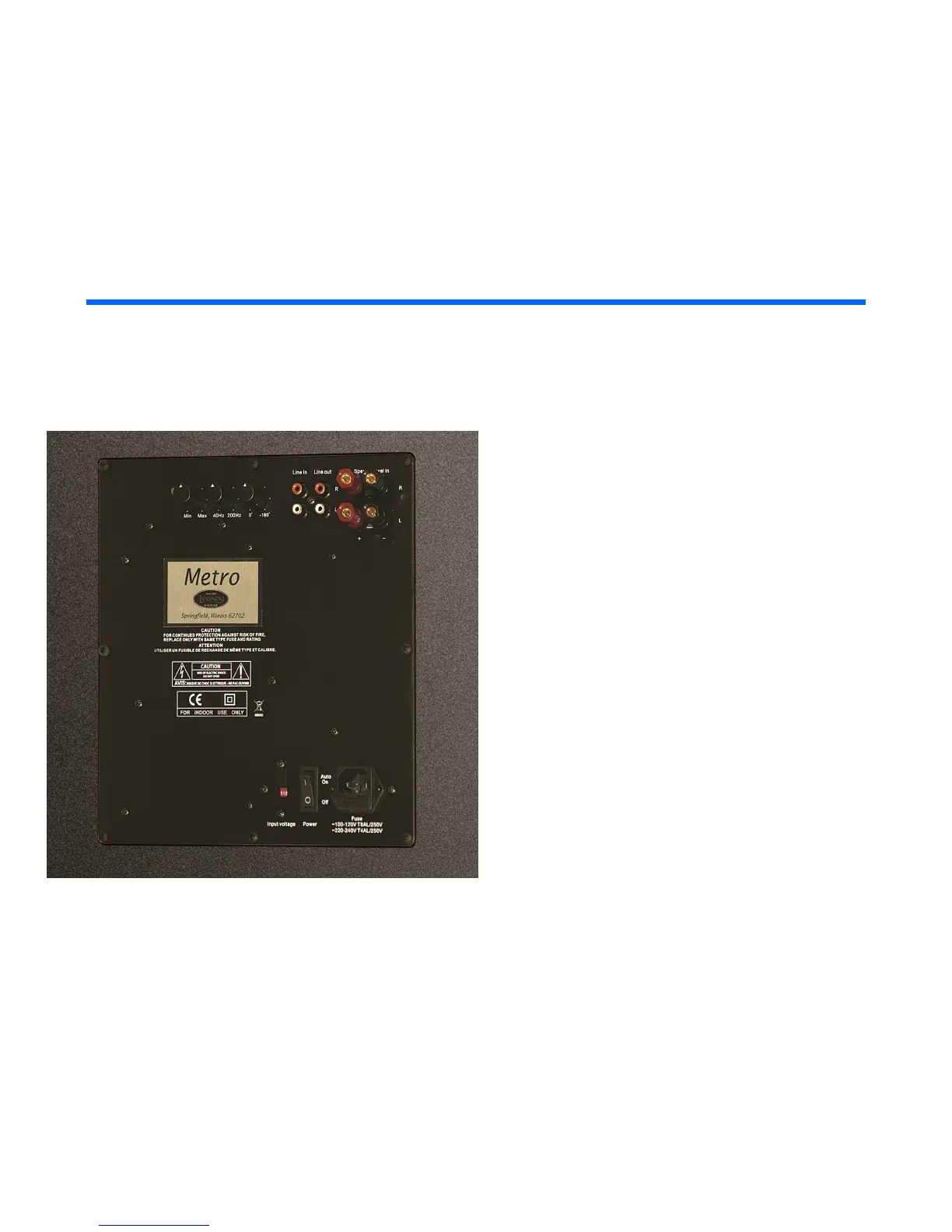
Adjusting the Metro Subwoofer
On the back panel of the Metro Subwoofer
you’ll notice four controls: Level, Freq., and
Phase. These allow an extraordinary amount
of control over your subwoofer. These
controls will allow you to tailor the sound of
the sub to your room and integrate with your
main speakers.
Level (Min/Max): This will allow you to adjust
the volume level played by the subwoofer. It
only controls the subwoofer level, not the level
of any of the other loudspeakers in the
system, even if they’re hooked up in parallel.
Freq.: This control allows you to adjust the low
frequency information. The crossover
frequency range of Metro is 40 Hz -200 Hz.



 To Next Page