EasyManua.ls Logo

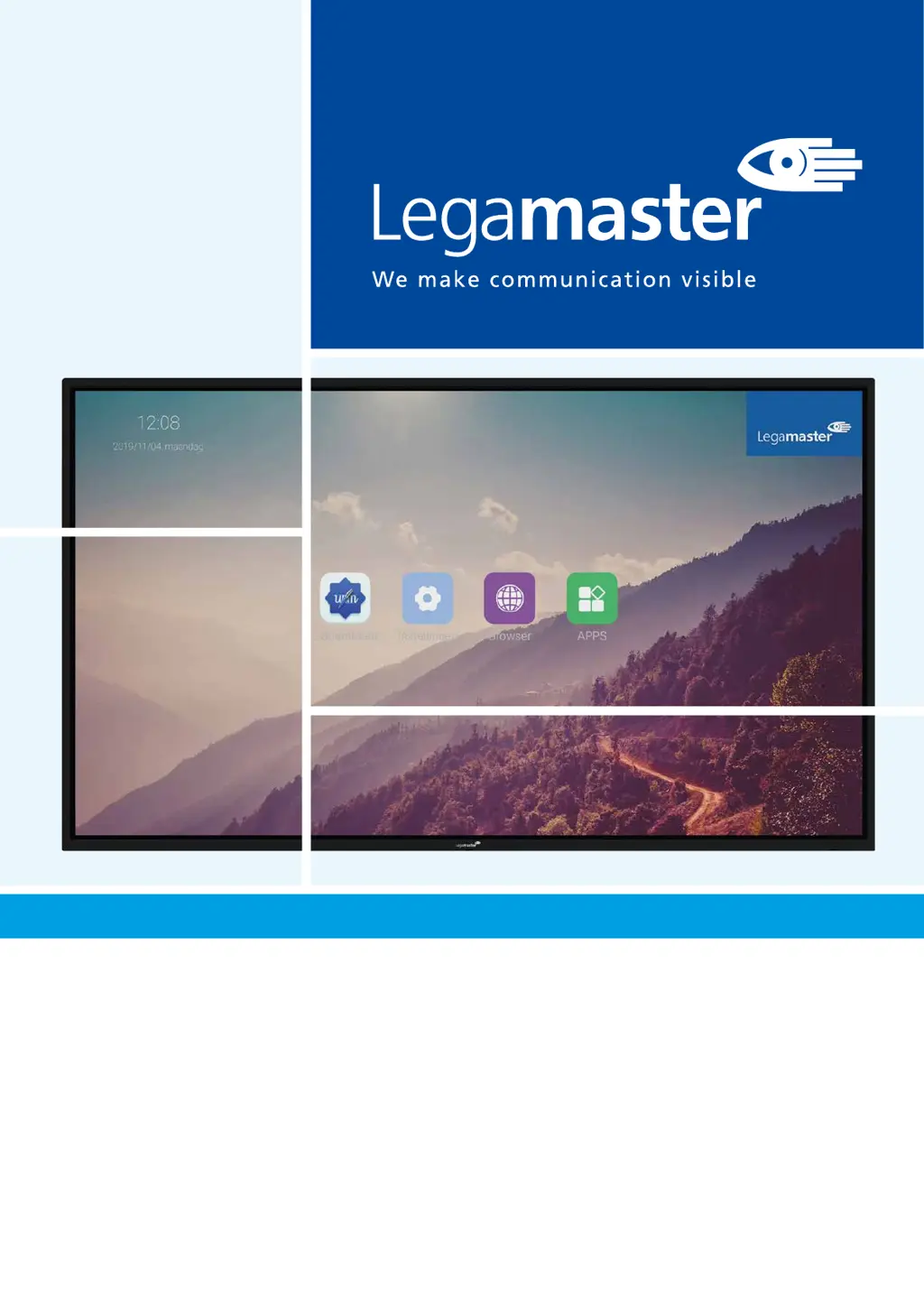
Legamaster ETX Series - User Manual

Legamaster ETX Series
142 pages
Print Icon
To Next Page IconTo Next Page
Loading...
USER MANUAL
ETX series
Version 2.0
ENGLISH | DEUTSCH | FRANÇAIS | NEDERLANDS | ESPAÑOL

Table of Contents

Questions and Answers

Summary

Important Information

1.1. USE

Guidelines for safe and proper product usage, including handling and image retention.

1.2. EXEMPTIONS

Details warranty exclusions for damages caused by external factors or improper use.

Safety Instructions

2.1. SAFETY PRECAUTIONS

Specific safety warnings regarding electrical hazards, damage, and liquid exposure.

2.2. MOVING AND CARRYING NOTICE

Instructions for safely moving and carrying the product, emphasizing the need for multiple people.

2.3. INSTALLATION

Guidelines for proper installation environments and avoiding potential hazards like heat or overload.

2.4. WALL MOUNT SAFETY NOTICE

Safety advice for mounting the screen on a wall, ensuring secure installation and avoiding stress.

2.5. RECOMMENDED USE

Advice on installation conditions, handling the power cord, and operating during thunderstorms.

2.6. CLEANING

Instructions for safe cleaning of the e-screen surface, avoiding liquids and chemicals.

Package Contents

3.1. UNPACKING

Steps for safely unpacking the e-Screen and its accessories from the packaging.

3.2. INCLUDED ACCESSORIES

List of items included in the package with the e-Screen.

Installation

4.1. ENVIRONMENT STATE

Specifies the recommended ambient room conditions for operating the e-screen.

4.2. GENERAL OVERVIEW OF THE SCREEN

Diagram and labels identifying the various components and connection ports of the ETX-5520 screen.

4.3. IN- AND OUTPUT CONNECTOR TABLE

Detailed table listing all input and output connectors and their functions.

4.4. REMOTE CONTROL

Explanation of the remote control buttons and their corresponding functions.

4.4.1. Changing the Remote Control Battery

Step-by-step guide on how to replace the batteries in the remote control.

Operating the Screen

5.1. TURNING THE DISPLAY ON AND OFF

Instructions on how to power the display on, off, and put it into standby mode.

5.2. QUICK LAUNCH MENU

Overview of the Quick Launch menu features and how to access them.

5.3. FLOAT MENU

Explanation of the float menu, its functionality, and navigation buttons.

5.4. SETTINGS MENU

Detailed overview of the various settings available in the e-Screen's settings menu.

5.5. UPDATING THE SCREEN

Methods for updating the e-Screen firmware, including USB and over-the-air.

5.5.1 Updating the e-Screen using a USB-drive

Procedure for updating the firmware via a USB drive.

5.5.2 Updating the e-Screen over-the-air

Procedure for updating the firmware wirelessly via an internet connection.

5.6. ENABLING; DISABLING ANDROID

Instructions on how to enable or disable the Android operating system on the screen.

6. TOUCH OPERATION

Instructions for connecting sources and enabling touch functionality on the e-Screen.

Specifications

Supported Timings

Serial Commands

9.1. SERIAL COMMUNICATIONS

Introduction to the serial control protocol for communication with control devices.

9.2. RS-232 CONNECTION AND PORT CONFIGURATION

Details on connecting to the RS-232 port and configuring serial port settings.

9.3. RS232 INTERFACE

Table detailing RS232 commands for controlling various screen functions.

Troubleshooting

Compliance

Appendix

12.1. DIMENSIONS

Illustrations showing the physical dimensions of the ETX-5520 display model.

Accessories

13.1. EASYFIX VIDEO CONFERENCING UNIT

Details and installation of the video conferencing unit accessory.

13.2. EASYFIX PROXIMITY SENSOR

Information on the proximity sensor accessory for sleep/wake functionality.

Legamaster ETX Series Specifications

General IconGeneral
Resolution3840 x 2160 (4K UHD)
Panel TypeIPS
Brightness350 cd/m²
Contrast Ratio1200:1
Touch Points20
SeriesETX
Viewing Angle178°
Touch TechnologyInfrared
PortsHDMI, USB, RS232
Screen Size65 inches

Related product manuals