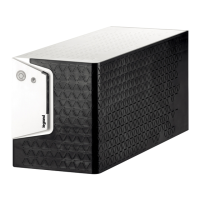
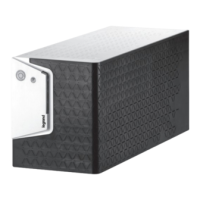
KEOR LINE RT 1000, 1500, 2200, 3000 VA
EN
UPS connections
Connect the UPS to a grounded AC power wall outlet using the power cord included in the
packaging.Then plug the loads into the outlets available on the rear of the UPS.
The UPS outlets provide battery backup and surge protection to the equipment connected.
To use the UPS as a master “On/Off” switch, make sure that all the loads power buttons are
switched on.
CAUTION
Do not connect a laser printer to the UPS outlets
Network connection
To protect network devices ( modem, Ethernet data….) against surges, connect the device to the
UPS RJ45 output through a 10 base-T/100 base-T cable, then connect the UPS RJ45 input to the
wall outlet using a cable with the same characteristics


 To Next Page
 Loading...