Leica DFC Cameras – Image Acquisition Guide 51
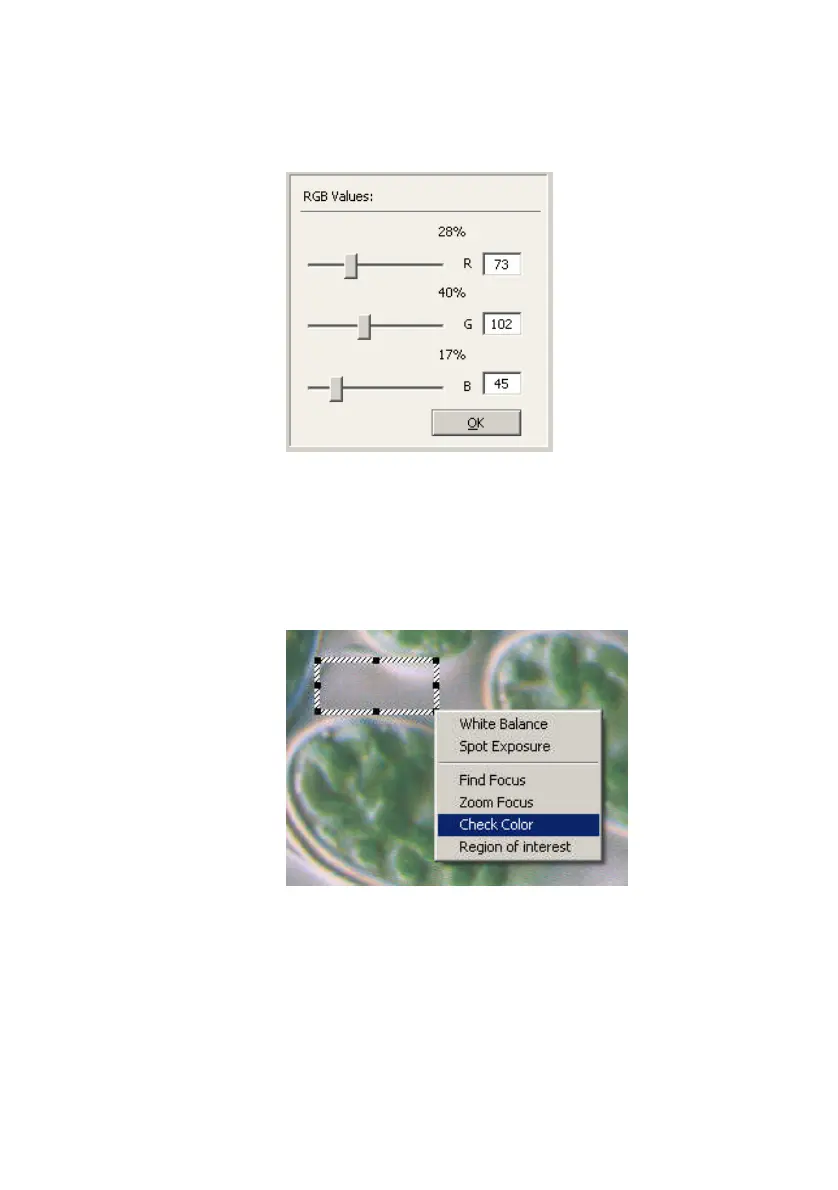
You can also set the separate red, green and blue
values by right-clicking
Check Color
and selecting
Set
Color Values
which will open the following panel:
The Color Wheel can freely float anywhere in the
screen area while DFC Twain is active.
On the Live Image:
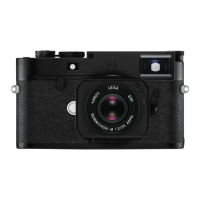
Adjust the ROI for color fine-tuning by drawing a
rectangle in the live image and select
Check Color
.
Measuring area for color fine-tuning


 To Next Page