50 Leica DFC Cameras – Image Acquisition Guide
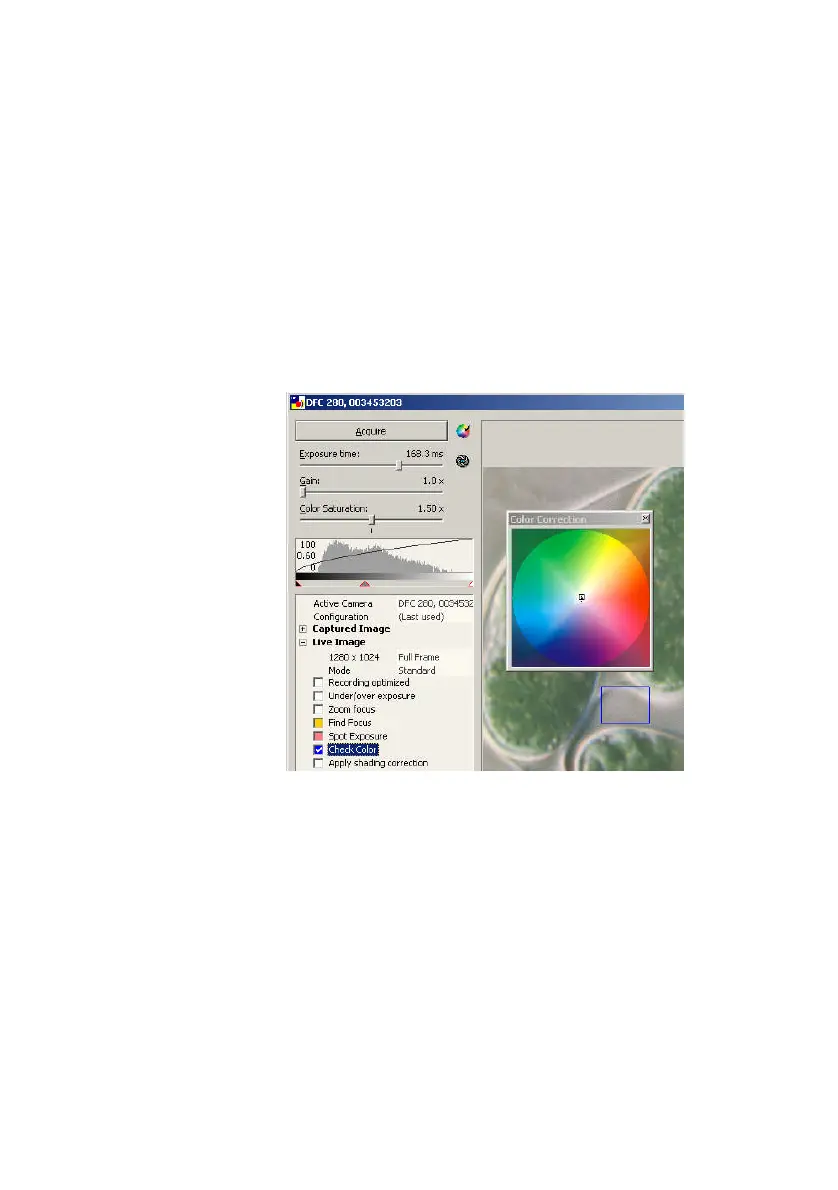
Check Color
This function is used for fine-tuning the overall image
color. Depending on the lighting and the camera
characteristics, fine correction of the image may be
necessary after a white balance in order to compensate
for any color shift.
From the control
panel:
Check/uncheck
Check Color
to activate the Color
Correction Wheel and the measuring rectangle.
Color fine-tuning after white balance
Inside the Color Wheel, drag the small square to a
color value and observe the small dot, which
represents the current color within the ROI.


 To Next Page