24 / Menu control
4. Turning the click wheel (1.18) selects the individual menu
items - turning to the right moves down and to the left moves
up. All menu items form a continuous loop, i.e. they can all be
reached without the division into the three function groups
and in either direction.
The actual settings are made exclusively by using the click
wheel:
5. Press the click wheel inward to call up a list of options for the
relevant function.
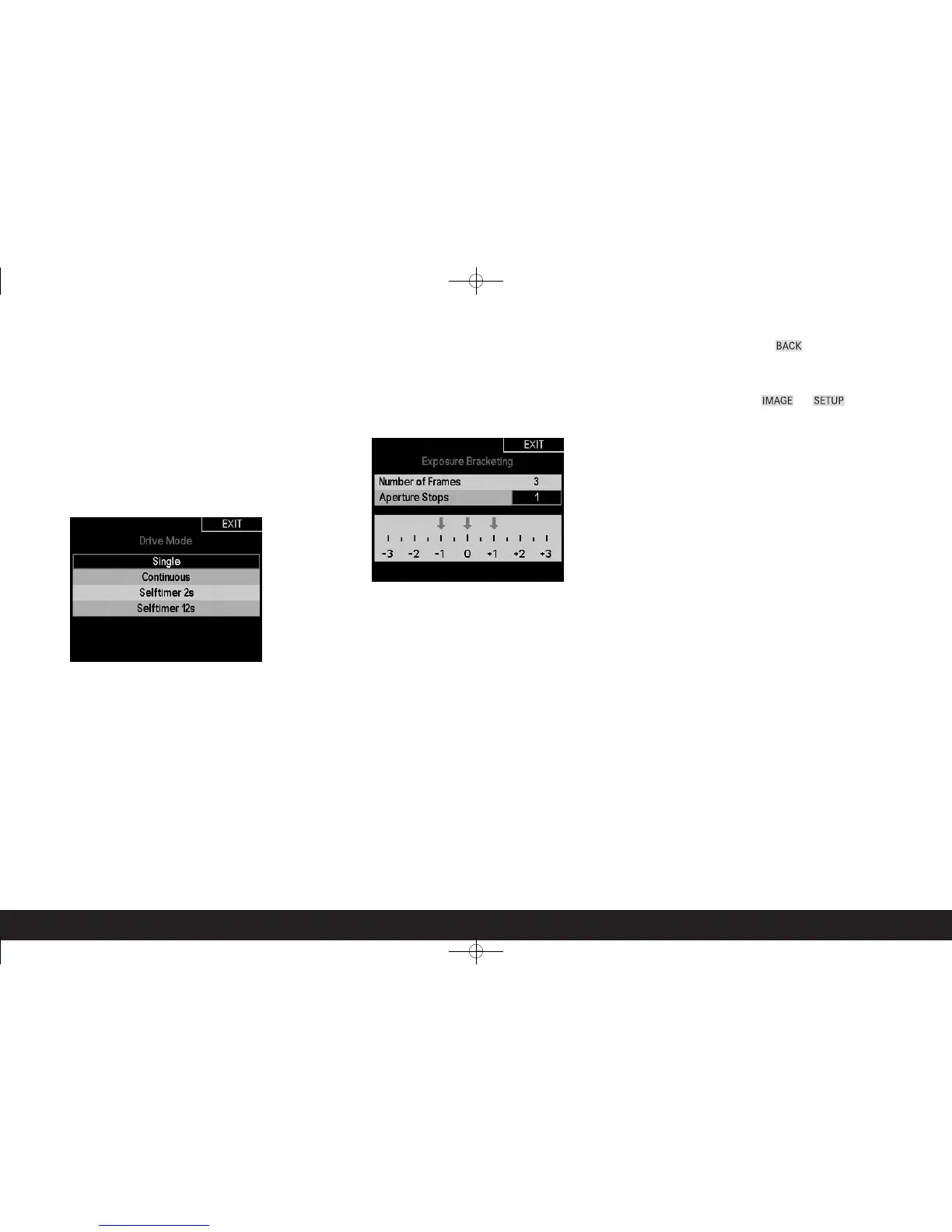
• The submenu appears, containing a list of the options or values
that can be set for the relevant function. The currently active
option / value always has a black background and a red border.
In some submenus, additional elements appear to ensure clari-
ty, e.g. a scale with marking arrows.
6. Turn the click wheel to select the required option / value
and/or press it inwards again to confirm the set option /
value.
Note:
When the button (1.20) is labeled BACK you can return to the
menu at any time – without applying the changes made in the
submenu up to that point.
Many of the menu items in the IMAGE and SETUP function
groups contain options or sub-items that are set using further
submenu levels. This is also done as described under 5 and 6
listed above.
The corresponding explanations, along with further details
about these functions, can be found in the relevant sections.



 To Next Page