NET Series
Software Installation and Configuration
LEIGHTRONIX, INC. Firmware Ver. 1.00.42/Software Ver. 1.0.2.6 Page 53
2010-07-09
CHANGING FRONT PANEL PASSWORD
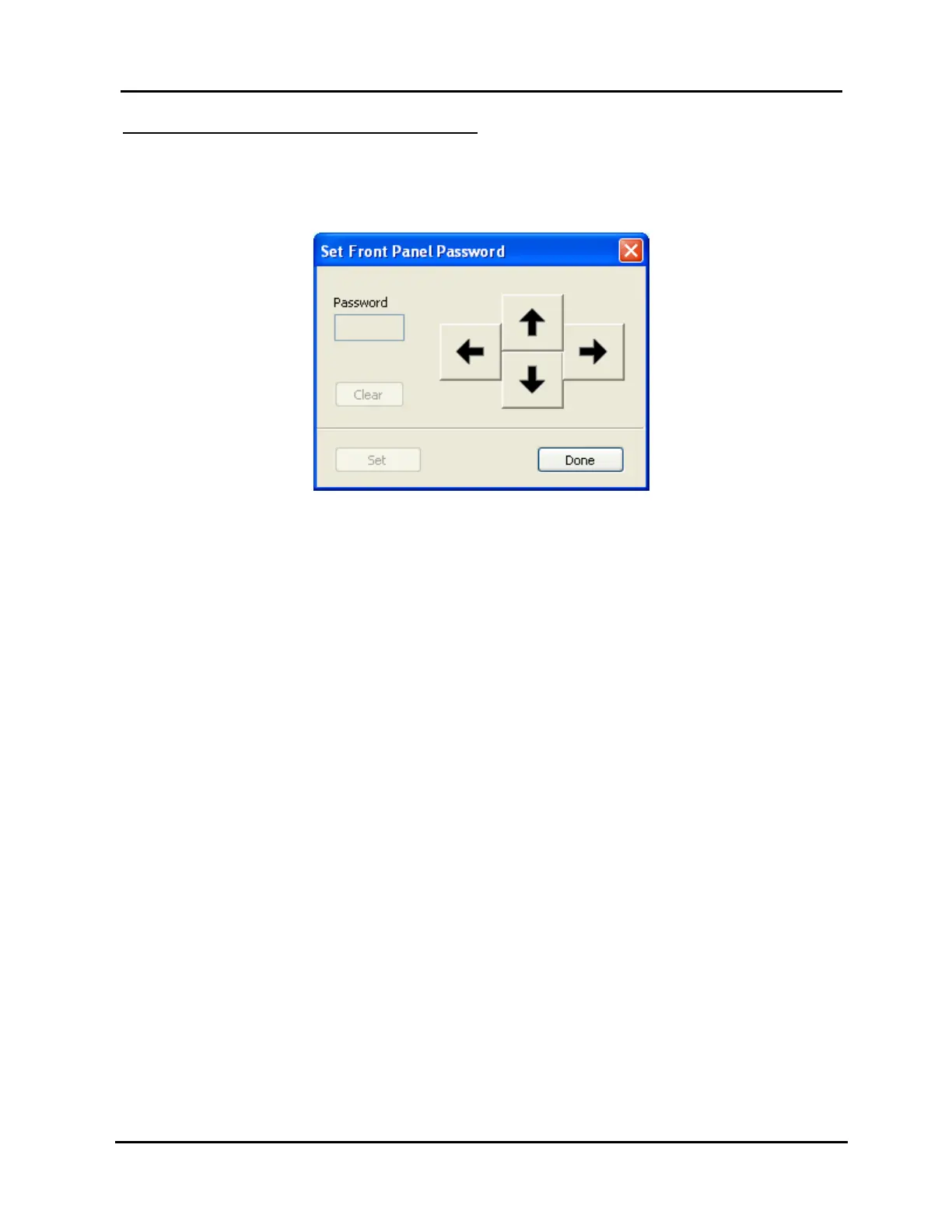
1. Select “Set front panel password” in the “Tools” menu to open the window shown in
Illustration 28.
Illustration 28, “Set Front Panel Password” Window
2. Click on a combination of five arrows for the new front panel password.
3. Click “Set” to accept new password or “Clear” to cancel.
4. Click “Done” to close the “Set Front Panel Password” window.



 To Next Page