20
5.3.3 Favorites
Favorites are stored in the Internet radio portal, and are available
through all Internet radios registered on the same account. Before the
favorites can be used, the radio has to be registered with the Internet
radio portal.
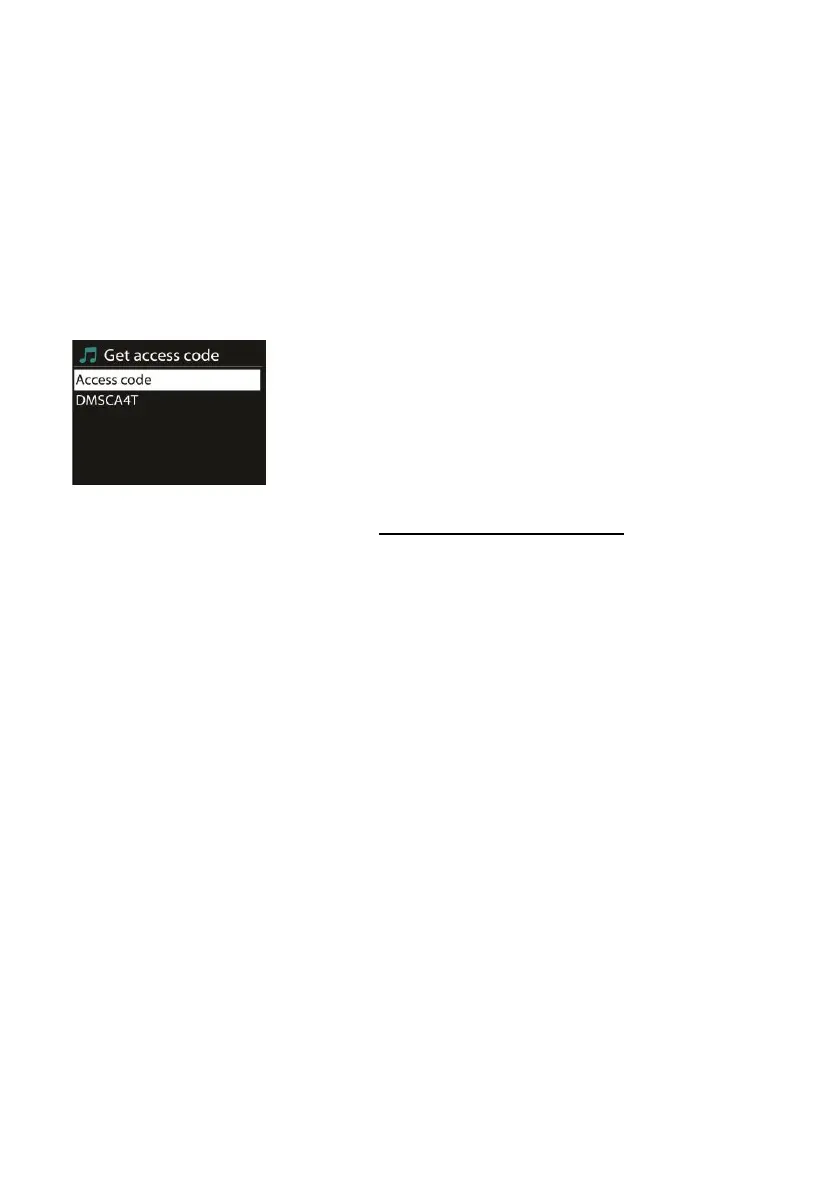
To register your device, choose Station list > Help > Get access code to
get your radio’s unique portal access code. (Do not confuse the portal
access code with the Radio ID from System settings.
Visit the portal website at www.wifiradio-frontier.com
If this is your first time visit to the portal, register for a new account,
by entering the following information:
o access code,
o your e-mail address,
o password,
o radio model.
If you already have an account and wish to add an additional radio,
log in to your account and select My preferences > Add another Wi-Fi
radio.
Once your radio is registered with the portal, you can immediately
use the Internet radio’s favorites and add stations.
To store a playing station as a favorite, press and hold OK until the
display shows ‘Favorite added’. The station will appear in the default
favorites list Stations.
5.3.4 My added stations
Even though the Internet radio portal contains thousands of stations,



 To Next Page