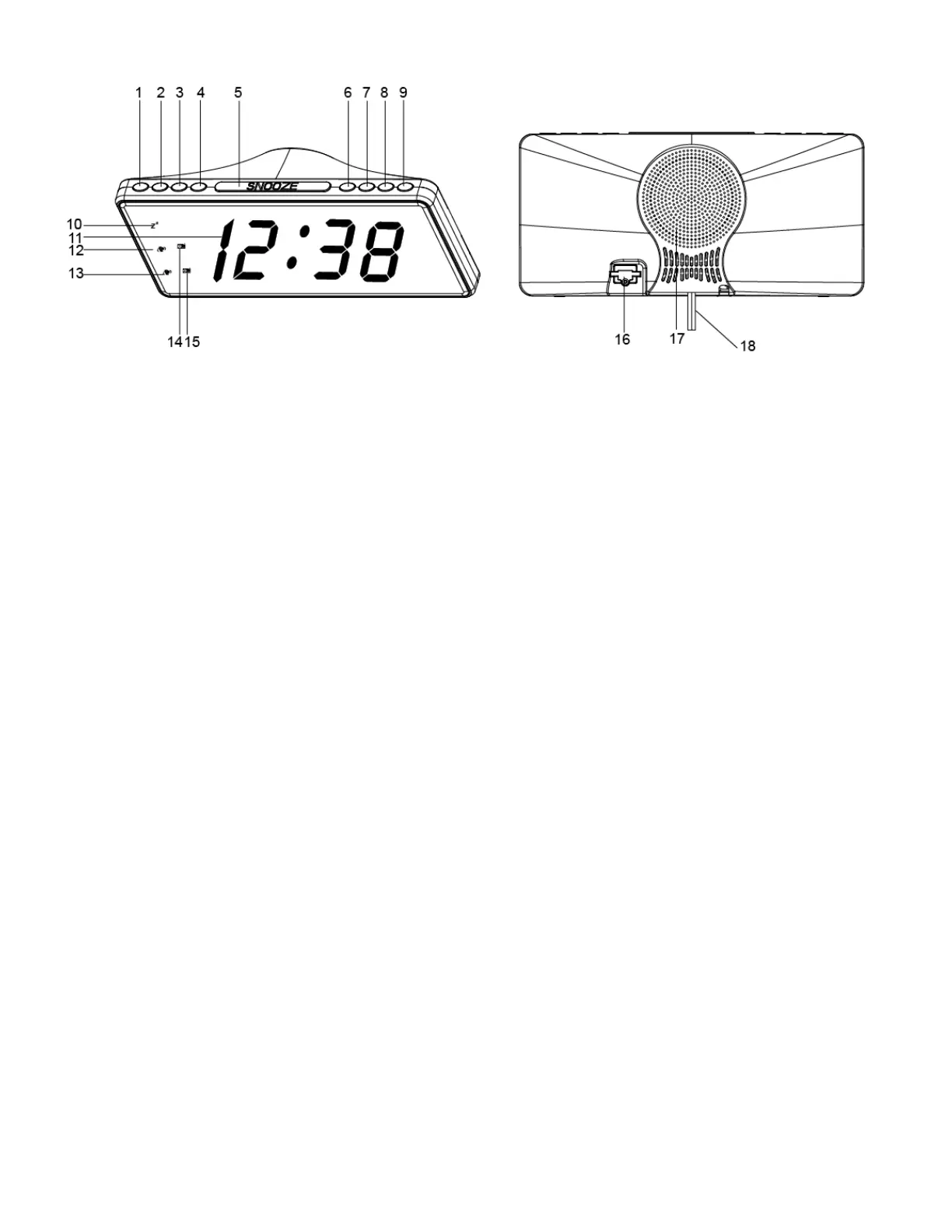
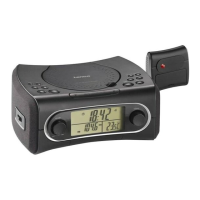
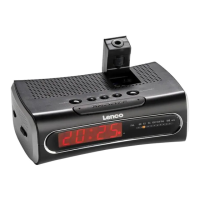
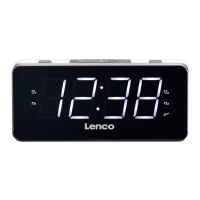
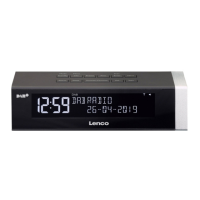
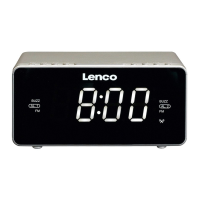
1. Sleep Button
2. Tuning – Button/Hour Button
3. Tuning + Button/Minute Button
4. Time Set Button
5. Snooze/Dimmer Button
6. Preset Memory Selection Button
7. Volume Decrease/Alarm 1 Set
8. Volume Increase/Alarm 2 Set
9. On Off/Alarm Off Button
10. Snooze Indicator
11. LED Display
12. 1
st
Alarm Indicator Buzzer
13. 2
nd
Alarm Indicator Buzzer
14. 1
st
Alarm Indicator Radio
15. 2
nd
Alarm Indicator Radio
16. Battery compartment
17. Speaker
18. Main Plug(AC Cord)
Radio tuning
1. Press the ON/OFF button to turn the clock radio on or off.
2. Adjust the “TUNING+” or “TUNING-” to select the desired station: short press the TU+ button for manual
tune, long press the TU+ button for automatic search of the next station.
3. Press the “VOL +” or “VOL -” button to adjust the volume.
Radio presets and memory
1. you select a station by following point 1 and 2 from the radio tuning section above
2. Long press PRE/M+, the display will blink on a preset number like P01 or P02…
3. by pressing VOL-/AL1 button the preset number will decrease; by pressing VOL+/AL2 button, the preset
number will increase and is still blinking.


 To Next Page