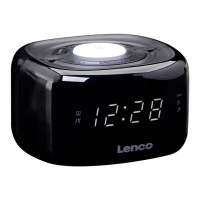
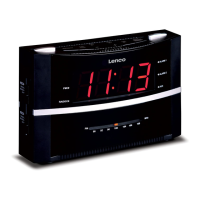
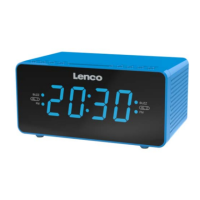
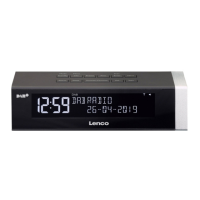
8
TIME SET Set time
ALARM SET Set and show alarm time
SNOOZE Pause alarm for approx. 5 minutes/ Press to show clock time
in radio play mode (not alarm activated )
SLEEP Set sleep timer
ALARM ON/OFF Turn alarm function on/off
Stop alarm sounding
MIN Set minutes
HOUR Set hours
First time use
Unpacking
DANGER to children-Fatal risk of suffocation/ Choking
• Keep children away from packing material.
Dispose of it immediately.
△ Take all parts out of their packaging and make sure they are not damaged.
Inserting back-up batteries
The back-up batteries ensure that the set time and alarm time are saved in the case of a power
cut or if the appliance is unplugged from the mains. The display is completely turned off during
this time. The back-up batteries are not included!
Back-up batteries are not essential for operation. Operation using solely
batteries-without connecting the appliance to the mains-is not possible.
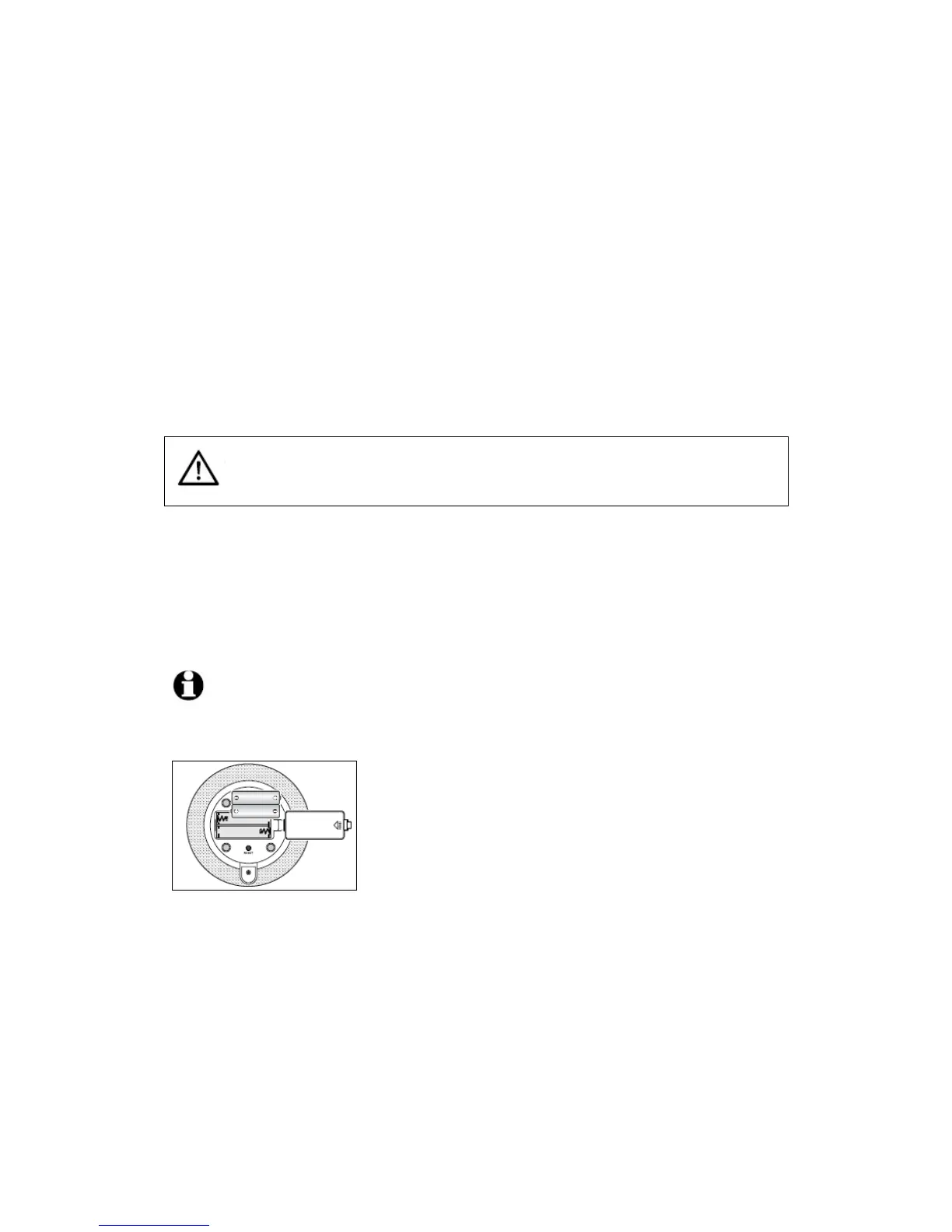
The battery compartment is on the bottom of the alarm clock.
remove the battery compartment lid.
2. Insert the batteries as illustrated. Ensure that the polarity is
correct (+/-).
3.
Place the lid back on the battery compartment.
Setting up and connecting the alarm clock
1. Place the alarm clock on a solid and level surface.
2. Unfold the FM cable antenna completely. Attach the end as high as possible against a wall or
a shelf using sticky tape, for example.



 To Next Page