12
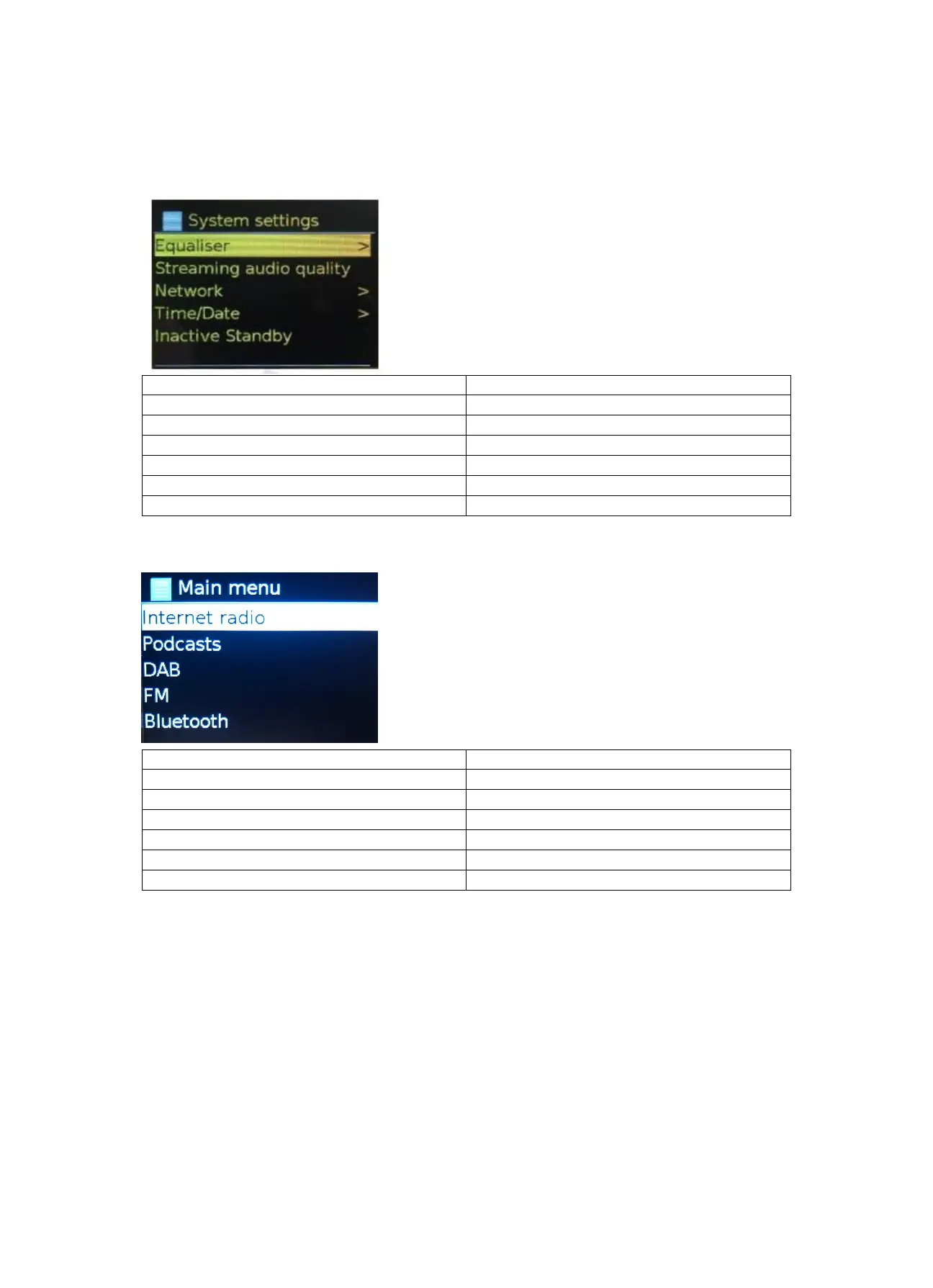
The System setting menu presents system setting functions to allow the user to setup how the unit
behaves. This includes network, time, language and software parameters.
5.4 Text Entry
To enter search requests or passwords, etc. The data entry screen presents all available characters
and command functions in a continuous loop. Rotate the knob control to scroll back and forth
through the loop as required. Press OK to select the currently highlighted character. If you make a
mistake select the BKSP (backspace) option to remove the last character. When you have finished
the words, select OK to enter the search words or password. Select CANCEL to quit the entry screen.



 To Next Page