15
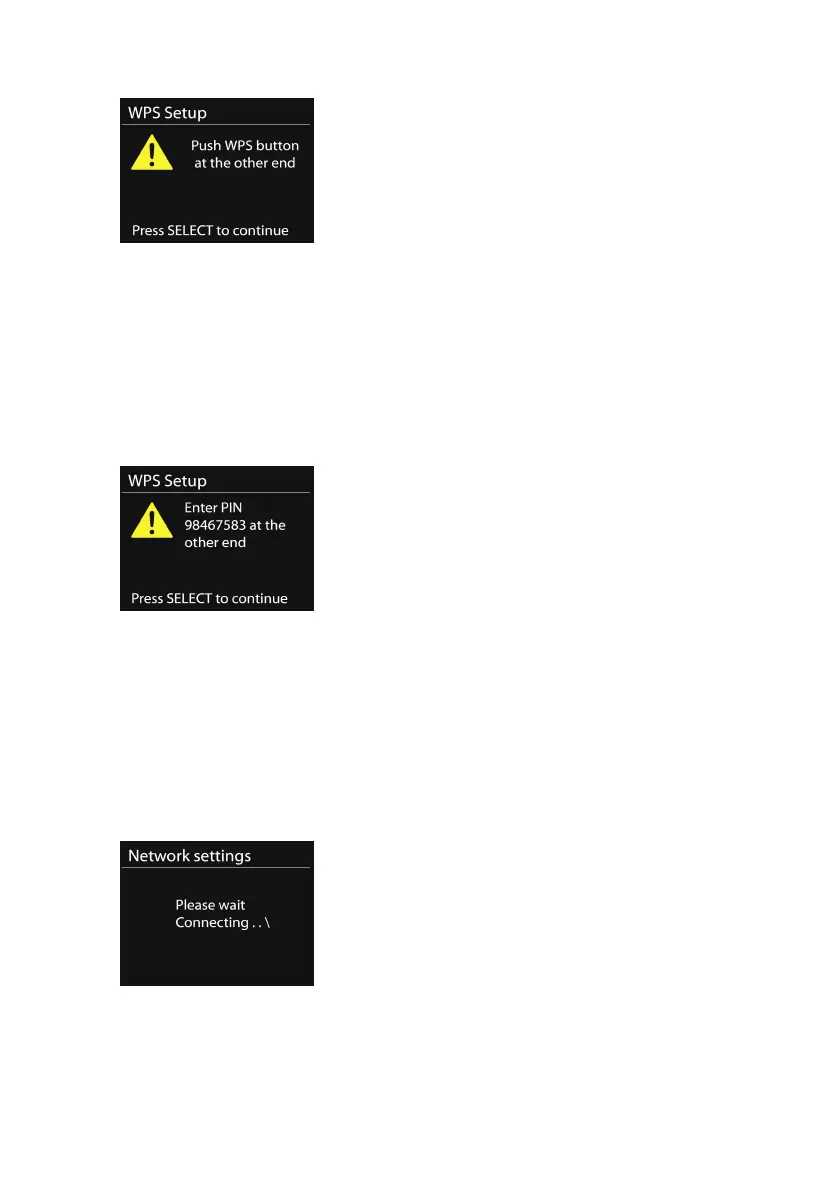
The device prompts you to press the connect button on the
router. It then scans for a ready Push Button Connect network
and connects.
o
Pin
The device generates an 8-digit code number, which you
enter into the wireless router, access point, or an external
registrar.
o
Skip WPS
Enter key as for a standard encrypted network.
For more information on setting up a WPS encrypted network,
please refer to your WPS router
’
s instructions.
• Completion



 To Next Page