16
The device attempts to connect to the selected network.
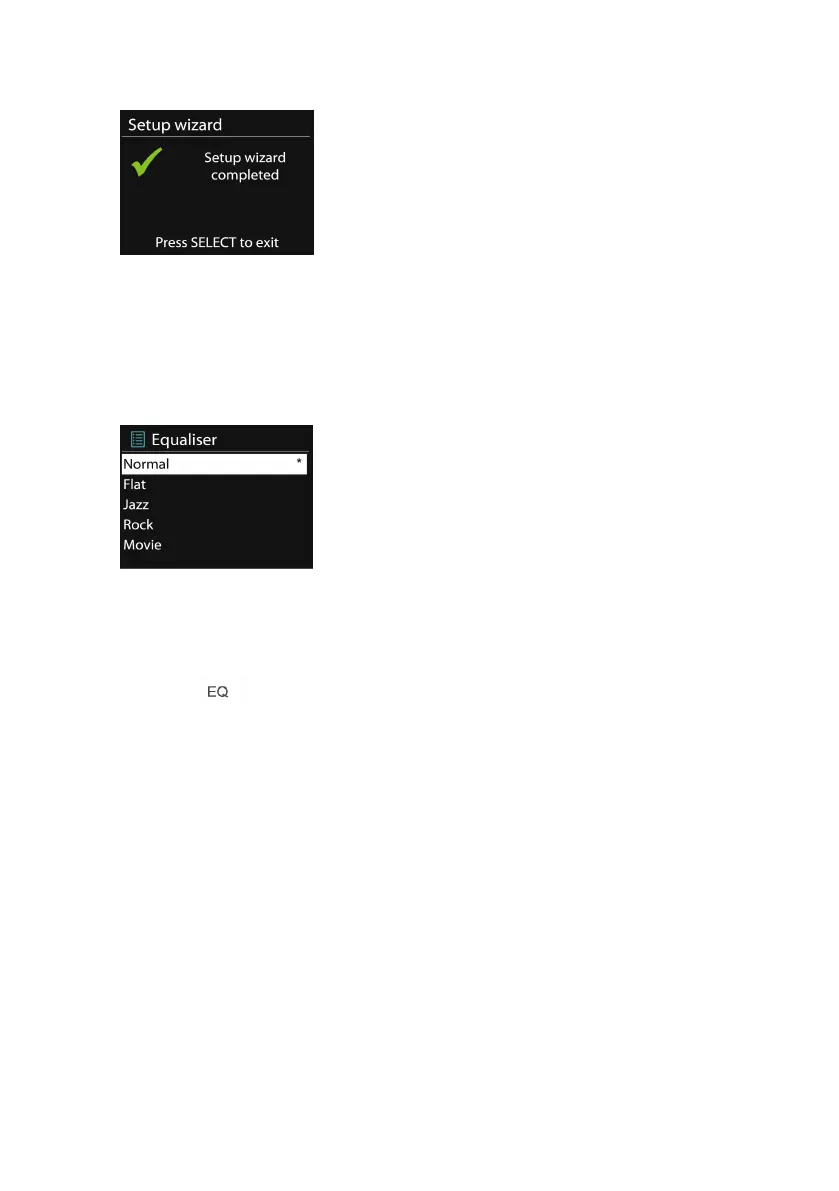
It will show ‘ Setup wizard completed ’ on screen if the setup is done
successfully. If the connection has failed, the device returns to a
previous screen for you to try again. Press OK to exit the setup wizard.
5.2.2 Equalizer
Allows you to select different equalizers: Normal, Flat, Jazz, Rock,
Movie, Classic, Pop and News.
You may also create your own equalizers with customized bass,
treble and loudness.
Press on the remote control to enter the equalizer menu
quickly.
5.2.3 Network
•
•
•
• Network
Network
Network
Network wizard
wizard
wizard
wizard
Enter to search AP SSID, then input the WEP / WPA key or
choose Push Button/Pin/Skip WPS to connect to the wireless
network.
•
•
•
• PBC
PBC
PBC
PBC Wlan
Wlan
Wlan
Wlan setup
setup
setup
setup
Push Button Configuration, it is to connect the AP that
supports WPS (Wi-Fi Protected Setup).



 To Next Page