17
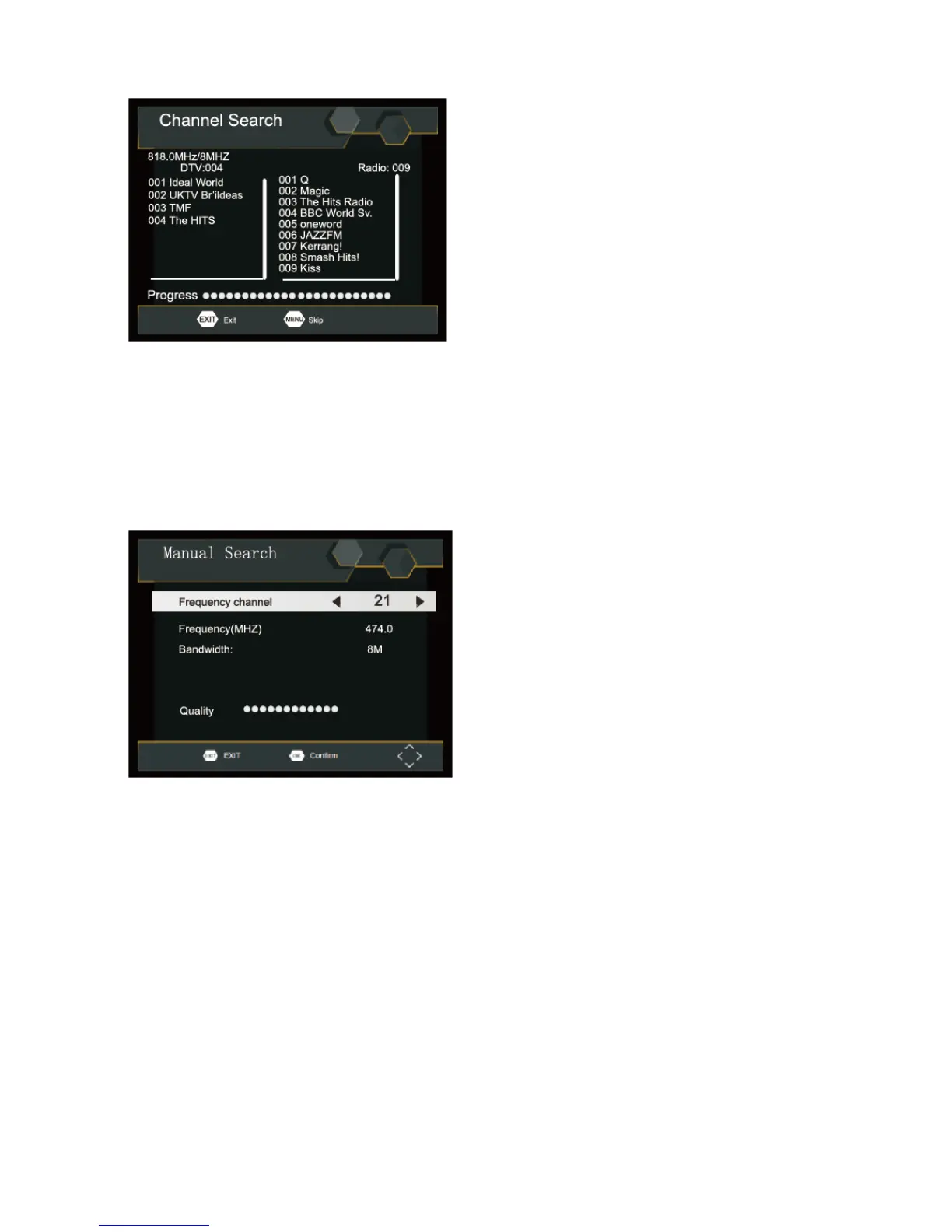
Manual Search
Install new channels manually. This option adds new channels without changing the current channels list.
1. Select [Manual Search] then press OK or RIGHT. The channel search screen will appear.
First Time Installation
2. Press the RIGHT/LEFT key to select the channel frequency.
3. Press OK to start searching channels. If a channel is found, it is saved and added to the channels list. If
channels can’t be found, then exit the menu.
Country
Select your country of residence.
Time Setting
To access the Menu, press SETUP then select [Time]. The Menu provides options to adjust the time settings.
Press UP/DOWN to select an option and press RIGHT/LEFT to adjust the settings.
Press EXIT to exit the menu.



 To Next Page