18
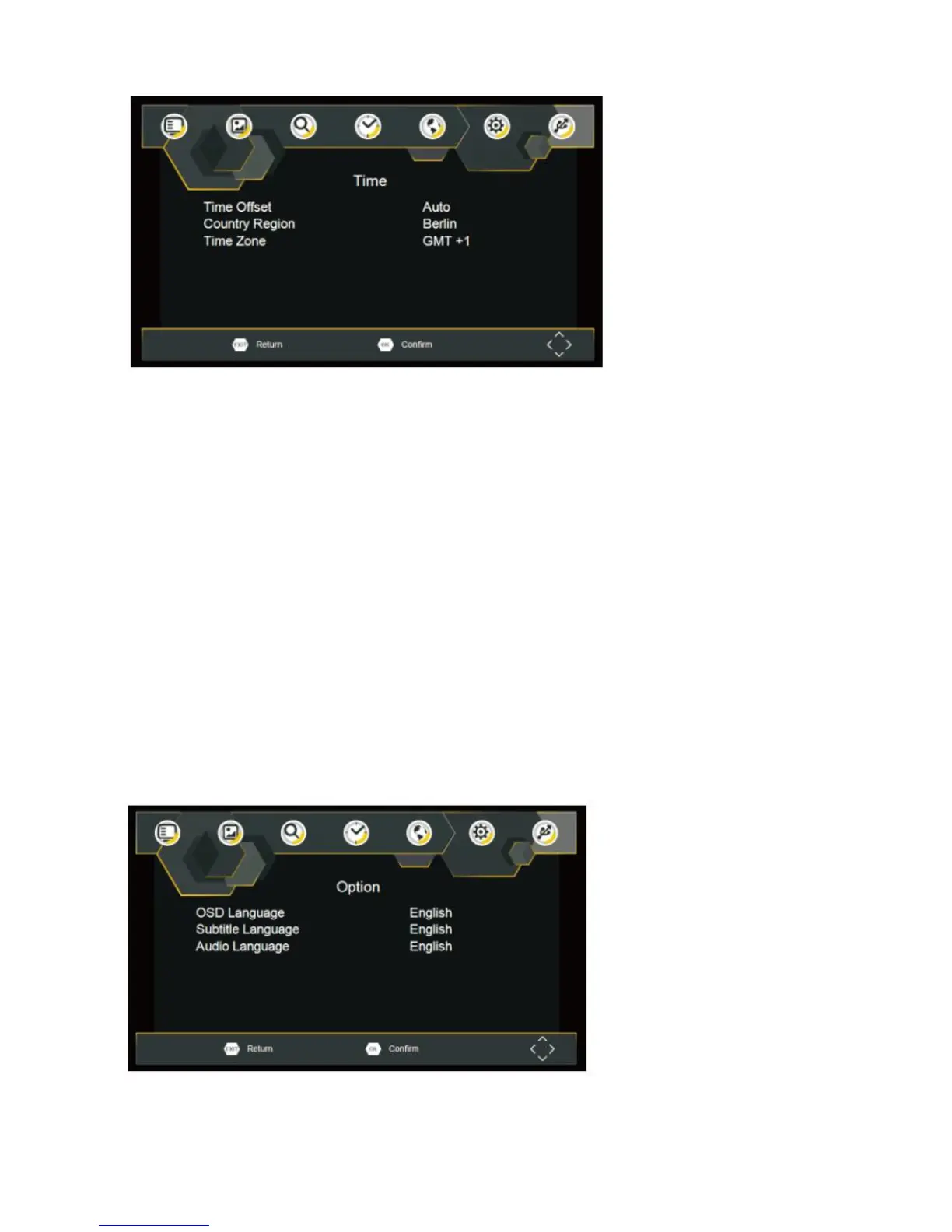
Time offset
Select auto or manual for GMT offset adjustments.
Country Region
Select the Country Region when [Time Offset] is set to Auto.
Time Zone
Select the Time Zone Offset when [Time Offset] is set to Manual.
First Time Installation
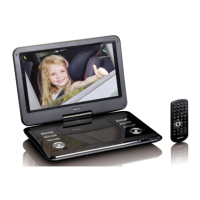
Option
To access the Menu, press SETUP and select [Option]. The menu provides options to adjust the OSD
Language,
Subtitle Language and Audio Language. Select an option and press RIGHT/LEFT to adjust the setting.
Press EXIT to exit The Menu.


 To Next Page