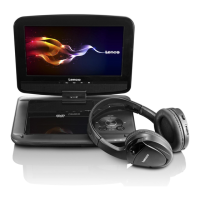
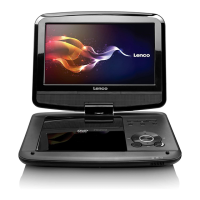
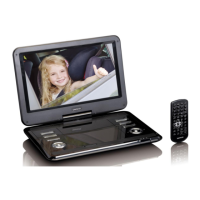
LOCATION OF CONTROLS
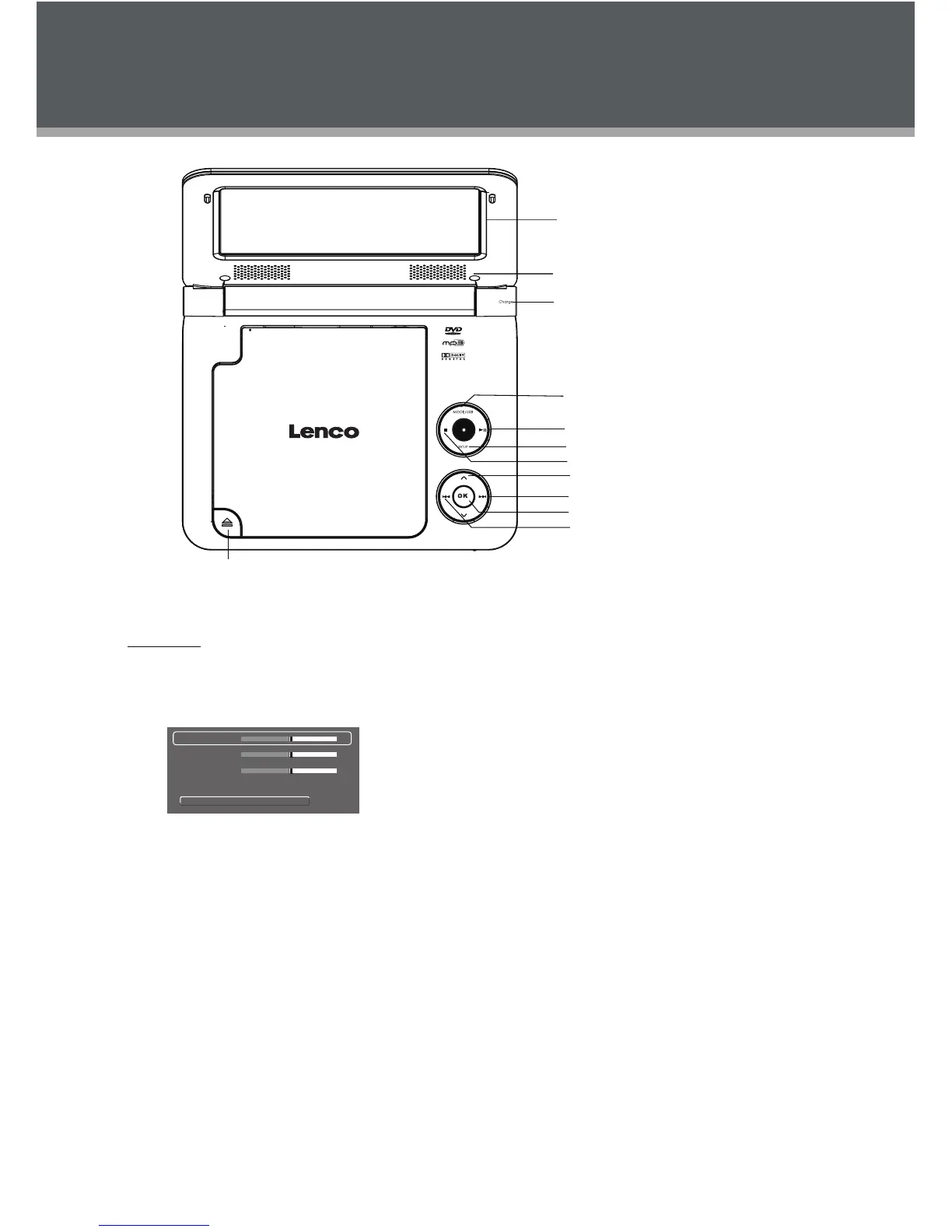
7″ TFT LCD
Speaker
Enter Button
Direction Buttons
Next (Right) Button
Previous (Left) Button
Play/Pause Button
St op Button
Setup Button
Mode/USB B utt on
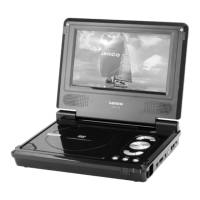
Front View
LCD Mode/USB
Briefly press this button to display the LCD •
menu.
Bri ghtnes s
Contrast
Color
Mode : 16:9
Reset
0
0
0
Press up/down direction button to highlight 1.
item and then make adjustment by left/right
direction button.
Press up/down direction button to select Mo de 2.
an d then pr ess the Enter button to toggle the
screen dimension between 16:9 and 4:3.
Select RESET an d press ENTER to r eturn th e 3.
setti ngs of brightness, contrast and color to
their fac tory d efault settings.
To access the USB mode• , insert a USB flash
drive into the USB port.
In stop mode or with
no disc lo aded, press and hold LCD Mode/
USB button for a short while to display the
Disc/USB menu, you can access a DVD/USB
using this menu.
Play/Pause button
To start/pause playback of a loaded disc.
Setup
To access the setup menu which various features
of t he player can be adjusted in.
Stop
Press once to presto p the playback, pr ess tw ice
to stop completely.
Direction / Enter buttons
Press the direction buttons to se
lect an item and
press the En ter button to confirm.
Fast Forward /Reverse
Press the Next button to skip forward one tr ack.
Press the Previous button to skip ba ck one
track.
Press and hold the NEXT / PREVIOUS button
to fa st forward/reverse during video / audio
playback.
Open Button
Charge


 To Next Page