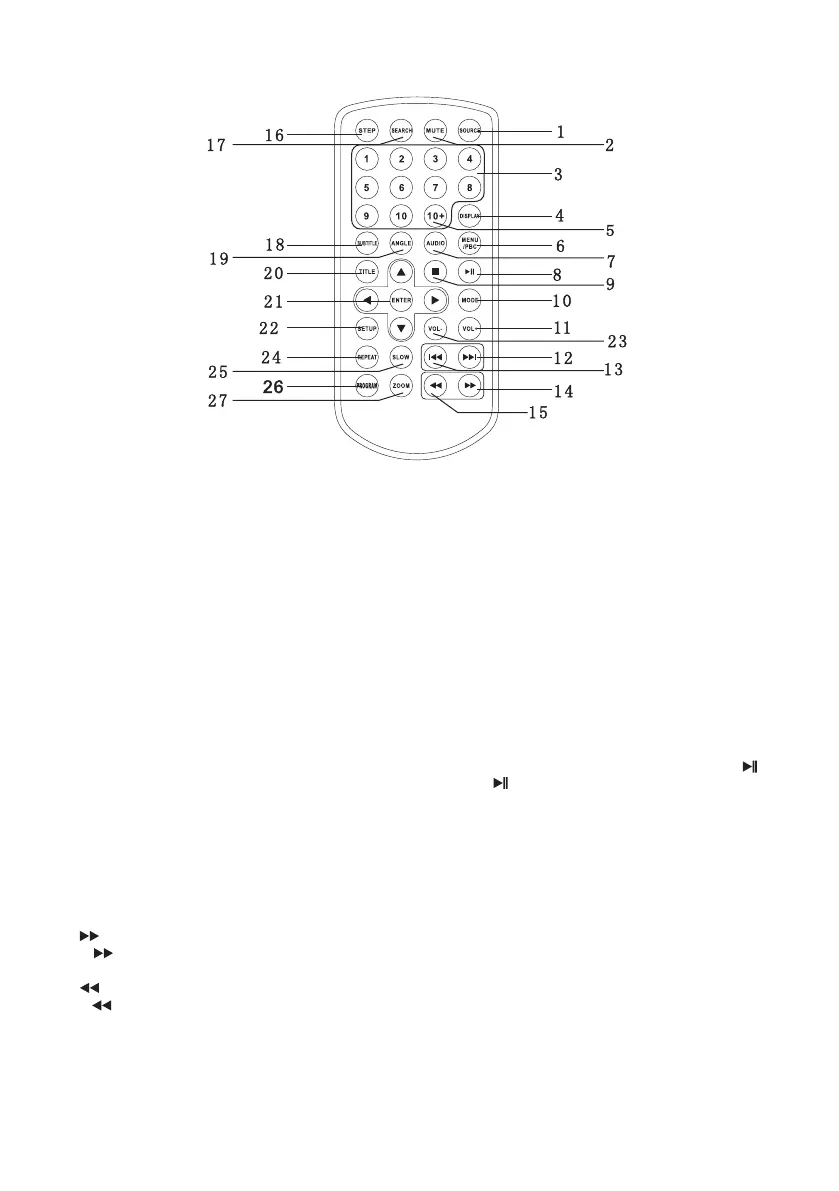
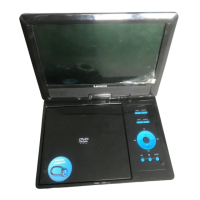
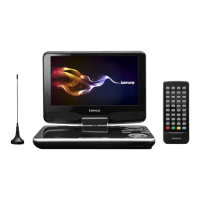
Remote control unit
1. SOURCE
DVD/CARD/USB.
2. MUTE
Disable Audio output.
3.0-9 NUMBER BUTTON
Selects numbered items in a menu.
4.DISPLAY
To display the playtime and status information.
5.10+ BUTTON
In order to select a track 10 or greater, first press 10+, For example;select track 12, first press 10+, and then press
number 2 button.
6. MENU/PBC
Return to DVD root menu(DVD).
PBC on/off switch (VCD) .
7.AUDIO
DVD:Press AUDIO repeatedly during playback to hear a different audio language or audio track, if avilable.
MP3/CD/VCD:Press AUDIO repeatedly during playback to hear a different audio channel ( Left,Right,Mix,Stereo).
8.PLAY/PAUSE
Press PLAY/PAUSE once to pause playback, pressing PLAY/PAUSE second time will resume the playback.
9.STOP
When this buttom is pressed once, the unit records the stopped point,from where playback will resume if PLAY( )is
pressed after wards. But if STOP button is pressd again instead of PLAY( ) button, there will be no resume function.
10.MODE
Set LCD parameter(adjust bightness, contrast,and saturation).
11.VOL+
Adjust volume
12.Forward Skip
Go to next chapter/ track.
13.Reverse Skip
Go to previous chapter/ track to the beginning.
14. BUTTON
Press BUTTON allow skipping ahead at 5-level speed(X2->X4->X8->X16->X32->PLAY), press PLAY button return to
normal playback.
15. BUTTON
Press BUTTON allow skipping back at 5-level speed(X2->X4->X8->X16->X32 PLAY), press PLAY button r -> eturn to
normal playback.
16.STEP
Step the motion in DVD mode.
17.SEARCH
Goto time point , title or chapter you want in DVD Mode.


 To Next Page