19
Restore Factory Default
Reset your Set Top Box to the Default Factory Settings. In Main Menu select [Restore Factory Default]
and press OK or RIGHT to select. Enter your password or the default password '000000' and press OK
to confirm. This option will delete all preset channels and settings.
Information
View model, hardware and software information.
Software update
Software update
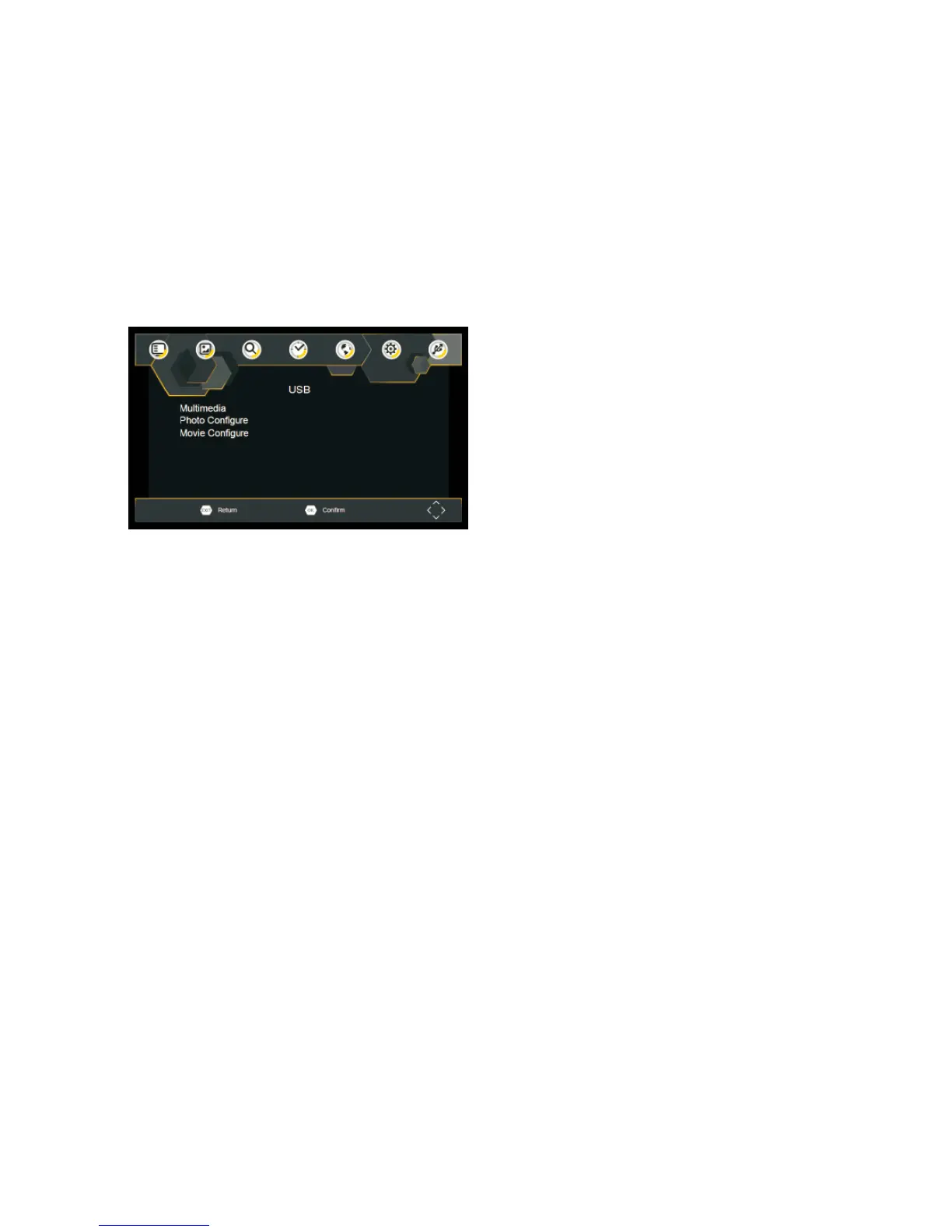
USB
To access the Menu, press the SETUP button and select USB.
Multimedia
Switch to USB mode and plug in USB to view files.
Photo Configure
Set the parameters for viewing photographs.
Movie Configure
Set the parameters for displaying movie subtitles.


 To Next Page