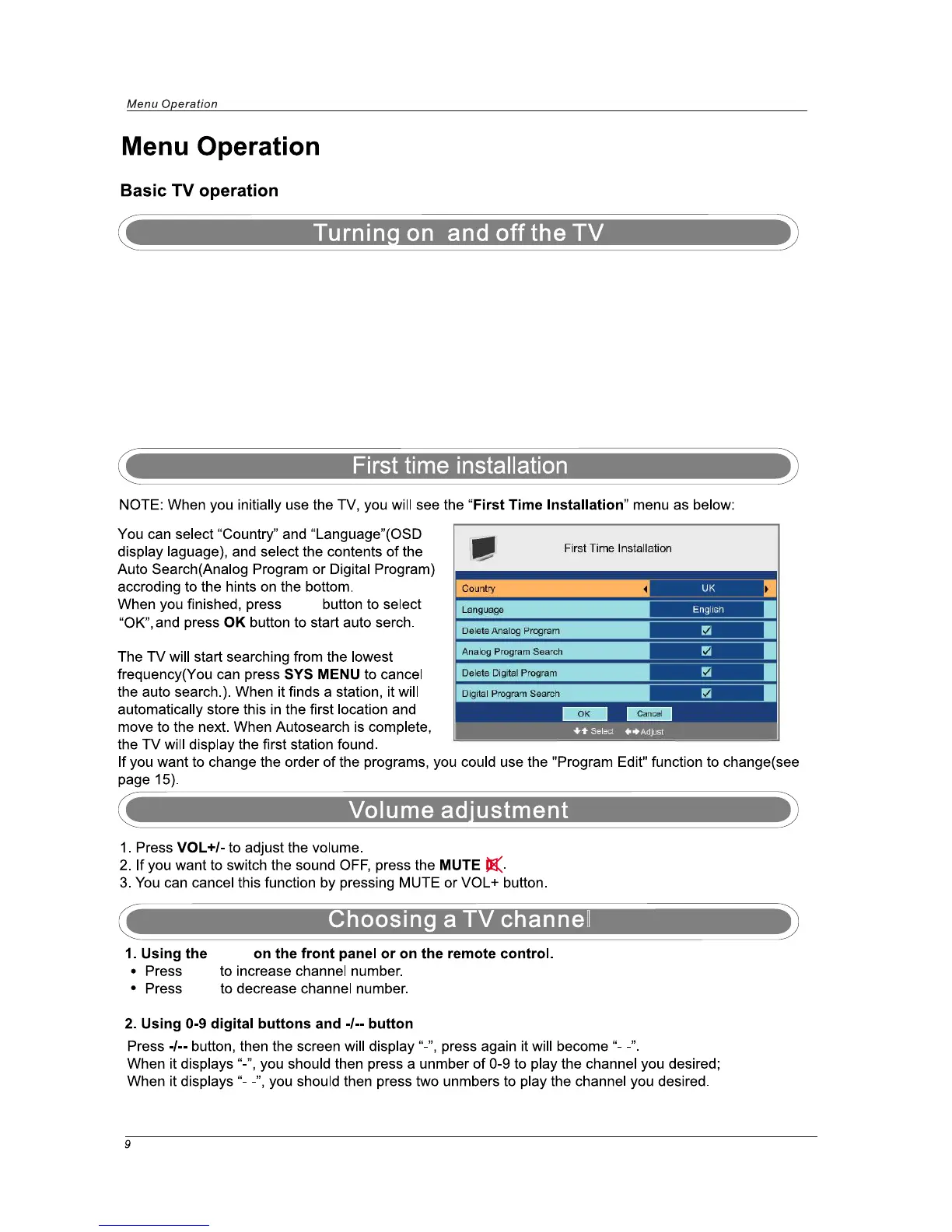
CH+
CH+/-
CH-
▲/▼
TURN ON LCD TV
1. Connect power cable to mains supply, The standby indicator on the front of the TV will up in blue.
2. Use the POWER button on the front of the TV or the Power button on the handset to turn on the TV ,
the indicator will turn off.
TURN OFF LCD TV
Press the POWER button on the TV or on the Power button on the handset to turn
the TV off into standby mode, the standby indicator will light blue.



 To Next Page