EasyManua.ls Logo

LENCO DVT-950 - User Manual

LENCO DVT-950
10 pages
Print Icon
To Next Page IconTo Next Page
Loading...
Operating Manual
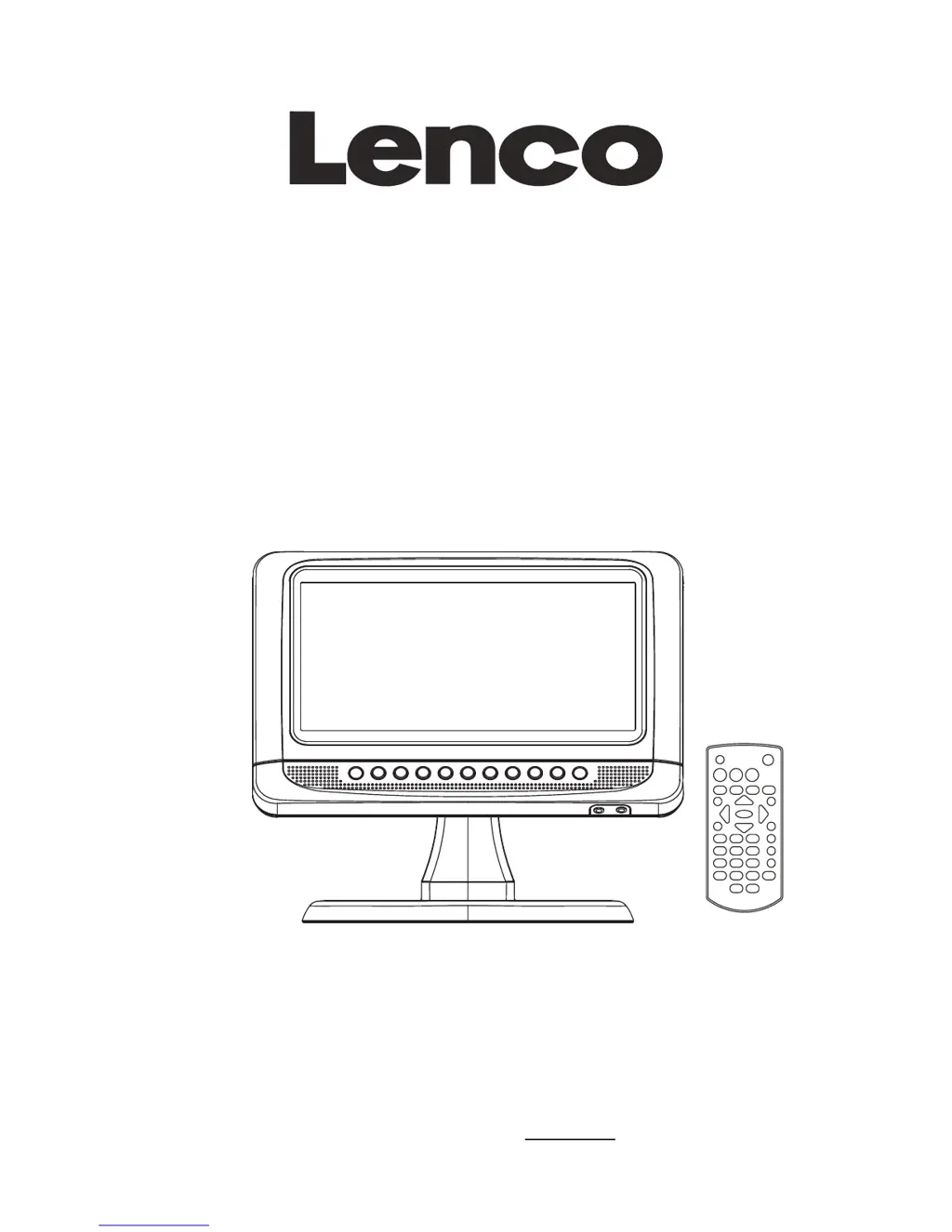
PORTABLE LCD DVD PLAYER
Model: DVT-950
READ THESE INSTRUCTIONS INCLUDED IN THIS IM THOROUGHLY PRIOR TO CONNECTING AND OPERATING.
PLEASE RETAIN THIS MANUAL IN CASE YOU MAY NEED IT FOR FUTURE REFERENCE.
THE ILLUSTRATIONS & GRAPHICS HEREIN ARE FOR REFERENCE ONLY AND SUBJECT TO CHANGE WITHOUT NOTICE.
For information and support, www.lenco.eu

Questions and Answers

  • J
    Jennifer GibsonAug 8, 2025
    What to do if my LENCO DVT-950 has no picture and sound?
    • V
      Vicki KingAug 8, 2025
      If your LENCO Portable DVD Player shows no picture or sound, ensure the battery is correctly installed and the adapter is properly connected.
  • W
    wcobbAug 13, 2025
    Why is there no sound on my LENCO DVT-950?
    • J
      Jay CannonAug 13, 2025
      If your LENCO Portable DVD Player is not producing any sound, first verify the volume setting. If it's at zero, increase the volume. Also, check if headphones are connected to the PHONES socket, as speakers cannot be used simultaneously.
  • M
    Michelle MitchellAug 19, 2025
    What to do if my LENCO DVT-950 has no picture or sound?
    • A
      Anita MillerAug 19, 2025
      If your LENCO Portable DVD Player displays no picture or sound, check the A/V cables are securely connected. Ensure that you're using a compatible disc format like DVD, DVD-RW, or AUDIO CD. Avoid using scratched or dirty discs and make sure the label side of the disc is facing up. If viewing with a TV, confirm that the TV channel is set to VIDEO or AV.
  • H
    Hannah LawrenceAug 23, 2025
    Why is my LENCO DVT-950 remote control not working?
    • T
      tammypruittAug 23, 2025
      If your LENCO Portable DVD Player remote control is not working, make sure the battery is correctly inserted, paying attention to the '+' and '-' direction. If that doesn't solve the issue, the battery might be dead; replace it with a new one. Also, ensure that there are no obstacles blocking the signal between the remote and the DVD player's sensor, and that you are aiming the remote directly at the sensor.
  • R
    Robert JacksonAug 28, 2025
    Why is the video or sound distorted on my LENCO DVT-950 Portable DVD Player?
    • J
      jacksonkevinAug 28, 2025
      If the video or sound from your LENCO Portable DVD Player is distorted, try using a disc that is free from scratches or dents.
  • B
    Bradley GonzalezSep 2, 2025
    How to fix a LENCO Portable DVD Player that won't turn on?
    • H
      hmillerSep 2, 2025
      If your LENCO Portable DVD Player doesn't turn on or suddenly turns off, ensure the adapter is securely plugged in. If the issue persists, try turning the power off and then back on.

Summary

DVD Player Overview

Remote Control Overview

Connecting Other Appliances

Charging the Built-in Battery

Operations

Preparation and Getting Started

Initial setup steps before operating the player.

Basic Playback Controls

Essential controls for volume, mute, skipping, and playback.

Playback Modes and Features

Special playback modes like slow-motion, repeat, program, and zoom.

Brightness and Color Adjustment

Initial Settings

System Setup

Configuring TV system, screen saver, TV type, password, and rating.

DVB Operations

Troubleshooting

Important Safety Instructions

LENCO DVT-950 Specifications

Power IconPower
power sourceAC 100-240V~60/50Hz
power consumption9W
Operating Environment IconOperating Environment
operating temperature range+5°C to +35°C
operating humidity range10% to 75%
Audio Output IconAudio Output
DVD frequency response20Hz-20KHz (48KHz sampling)
DVD S/N ratio>45dB
DVD dynamic range60dB
Weight and Dimensions IconWeight and Dimensions
main unit dimensions260(L) x 175(W) x 40.8(H) mm
base dimensions200(L) x 120(W) x 131(H) mm

Related product manuals