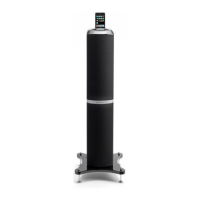
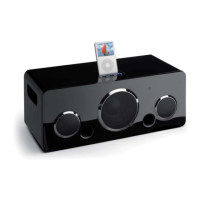
iPod Hifi Docking station
56
OWNER'S MANUAL
iPod Hifi Docking station
OWNER'S MANUAL
English
English
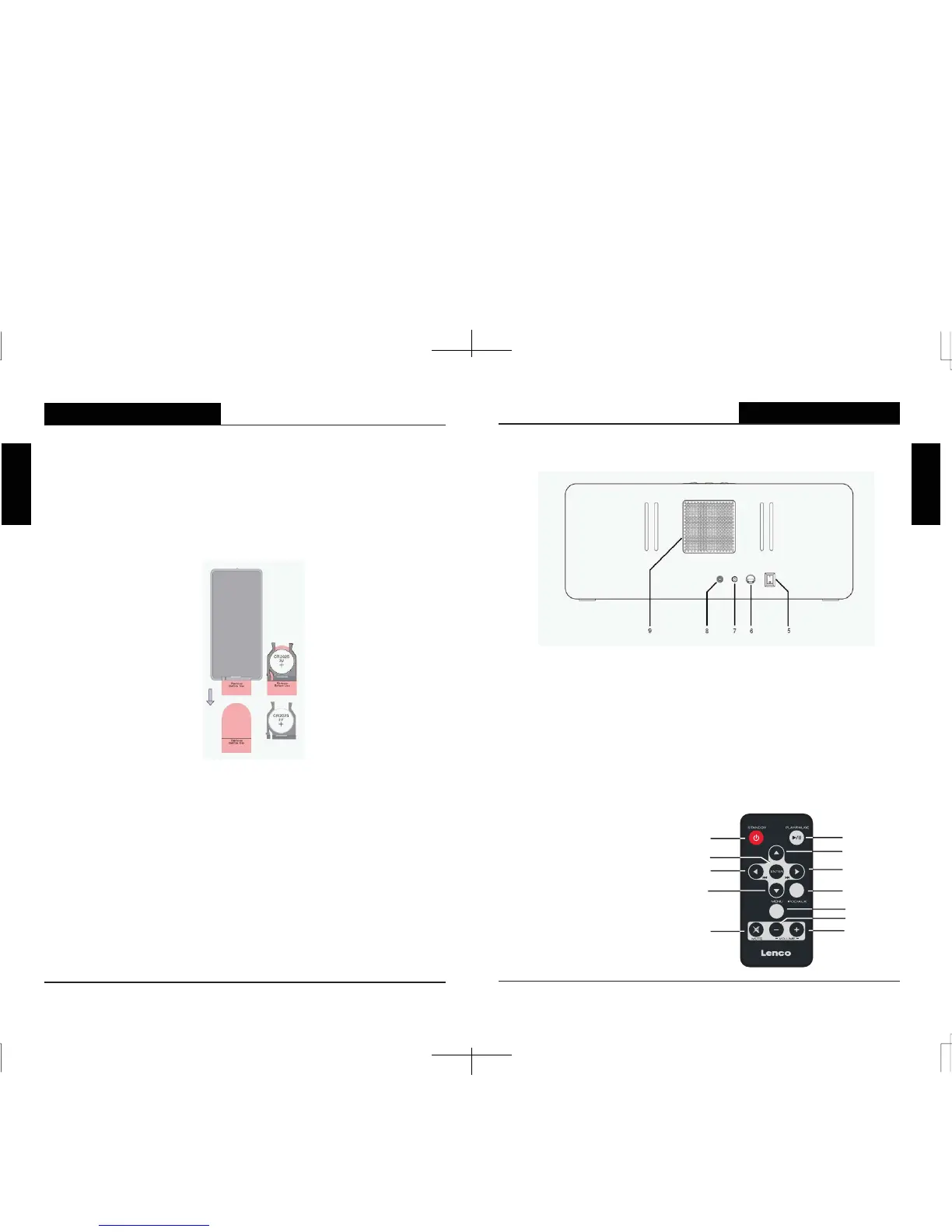
BACK PANEL
1.)
PLAY / PAUSE Button
2.)
VOLUME + Button
3.)
VOLUME - Button
4.)
IPOD Connector
5.)
Main Power Switch
6.)
AC Power Input
7.)
AUX Input
8.)
VIDEO Output
9.)
Cooling Fan
Remote Control
1.) STANDBY Button
2.) PLAY / PAUSE Button
3.) IPOD UP Button
4.) ENTER Button
5.) TUNE/SKIP Button
6.) TUNE/SKIP Button
7.) IPOD DOWN Button
8.) IPOD/AUX Button
9.) MENU Button
10.) MUTE Button
11.) VOLUME - Button
12.)
VOLUME + Button
REMOTE CONTROL BATTERY
The remote control requires one “button-type” 3-volt lithium battery, included.
To extend the life of the original battery we have inserted a small clear plastic
spacer tab between the lithium battery and the battery terminal. You must
remove this
battery spacer tab before you can use the remote control. To remove the tab,
pull it in the direction of the arrow in the illustration as shown.
When the operation of the remote control becomes intermittent or
unsatisfactory,
replace the original battery with a new 3-volt lithium battery.
1.) Slide out the battery holder from the remote control case.
2.) Place one 3V CR2025 battery in the battery holder, observing the positive
(+)
direction. If the battery is placed incorrectly the remote control will not work.
CAUTION
Danger of explosion if the battery is replace incorrectly.
Replace only with the same or equivalent type.
3.) Insert the battery holder into the battery slot.
Notes: Use a well-known brand of cell battery for longest life and best
performance. When the remote operation becomes intermittent, replace the
battery.
1
4
5
6
7
10
8
3
2
12
11
9


 To Next Page