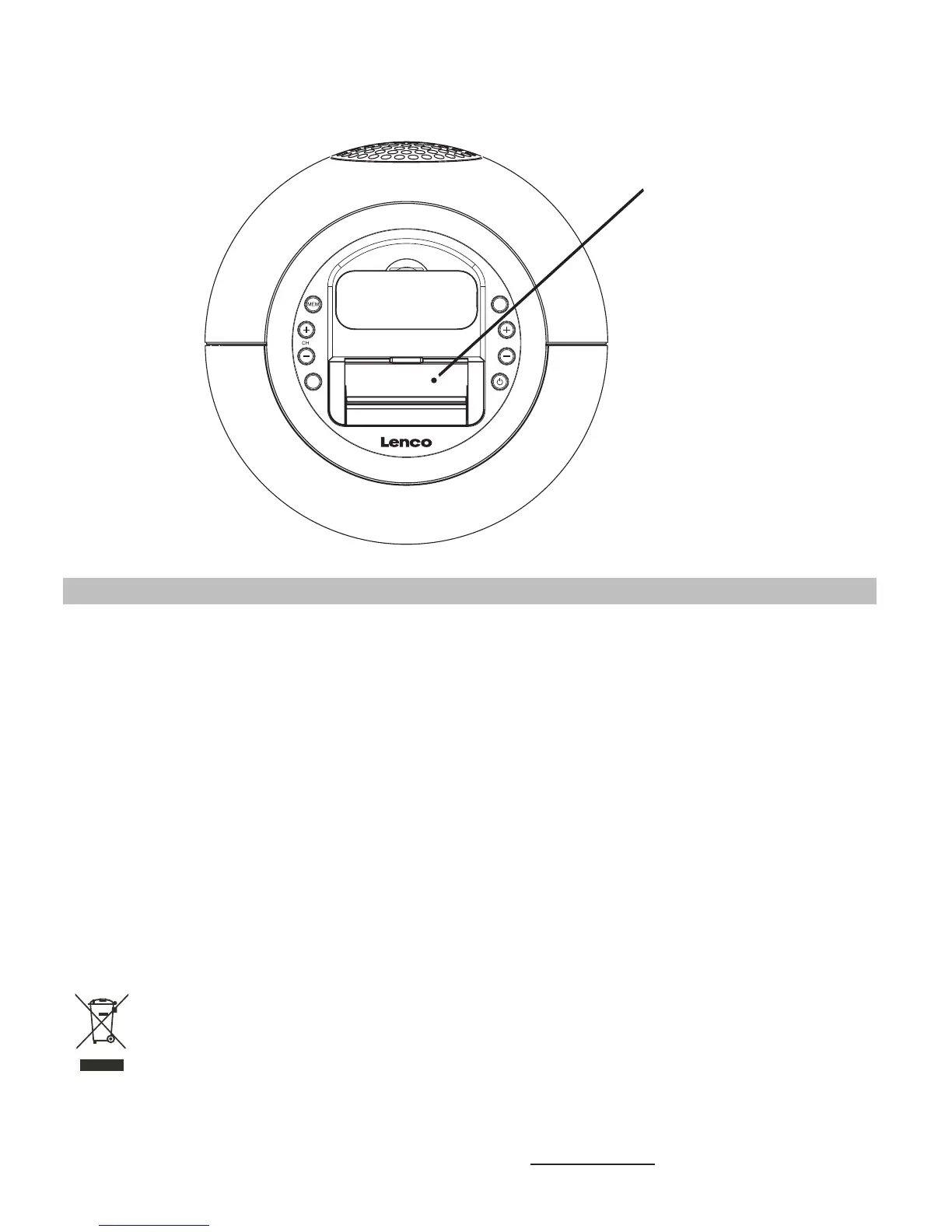
2.Use a straightened paper clip, toothpick or similar objects to press the RESET button
display module compartment of the main unit (see the below figure).
located at the
The reset operation clears the system memory and all of your previous settings will be
erased.
Power Adaptor :
Input AC 100V - 240V ~ 50 / 60 Hz
Output DC 15V 2400mA
Power Supply for the unit :
DC 15V 2400mA
Backup battery for Clock and Memory :
DC3V, CR2032 x 1 Lithium Battery (included)
Remote Control battery :
DC3V, CR2025 x 1 Lithium Battery (included)
Specification
THE SPECIFICATION AND EXTERNAL APPEARANCE OF THE SET ARE SUBJECT
TO CHANGE WITHOUT PRIOR NOTICE.
If at any time in the future you should need to dispose of this product please
note that: Waste electrical products should not be disposed of with household
waste. Please recycle where facilities exist. Check with your Local Authority or
retailer for recycling advice. (Waste Electrical and Electronic Equipment Directive)
16
RESET button
TUNE
VOLUME
FUNC
For information and support www.lenco.eu



 To Next Page