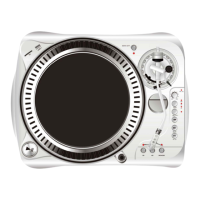
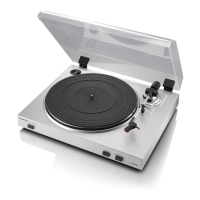
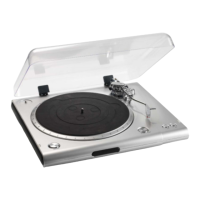
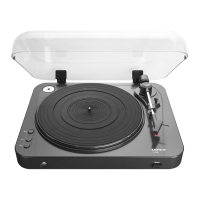
OPERATIONS
1. Push power button to on.
2. Insert target light for illumination the stylus.
3. Place a record on the turntable mat. When playing a 45rpm record with a large center hole; place the
45rpm adapter on the center spindle.
4. Set the rotation speed (33/45) to match the record.
5. Release the arm clamp
6. Set the cueing lever to the up position.
7. Press the Start/Stop button and the turntable platter will start to rotate.
8. Move the tone arm over the desired groove.
9. Set the cueing lever to the down position, the tone arm will descend slowly onto. The record and play
begins.
10. Adjust the pitch to a desirable speed, move the pitch control slider up or down to adjust the speed.
11. To suspend play, lift tone arm with cueing lever.
12. When play is finished, raise the cueing lever, move the tone arm to the arm-rest and secure the tone
arm with the arm clamp.
13. Press the Start/Stop button to stop the platter rotating.
14. Push the Power button to off.



 To Next Page