SELECT INPUT SOURCE
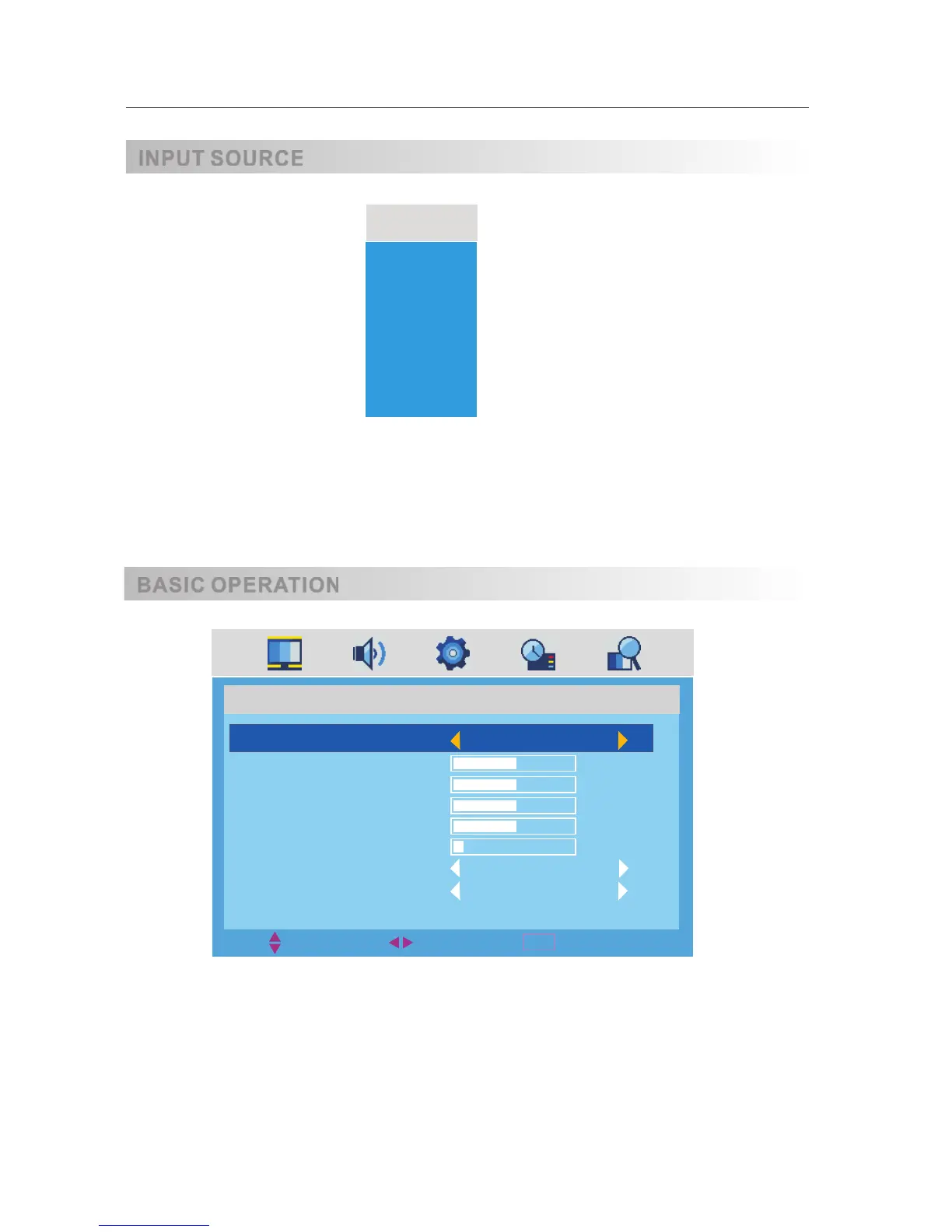
·Use SOURCE button to display the input source list;
·Use 【▲ 】 /【 ▼】 button to select the input source you want to watch;
·Use ENTER button to enter the input source;
ATV
DTV
AV
SCART
YPBPR
VGA
HDMI
SOURCE
·Use MENU button to display the MAIN OSD MENU;
·Use 【▲ 】 /【 ▼】button to select the MENU you want;
·Use 【 ► 】 button to enter the sub menu;
You can use MENU or EXIT button to save and return back to the previous menu .
·Use 【▲ 】 /【 ▼】 button to select the option and then press 【◄】 /【 ► 】to adjust the value in the sub menu;
OSD Manual
INPUT SOURCE
BASIC OPERATION
MENU
MOVE
EXIT
SELECT
PICTURE
PICTURE MODE
CONTRAST
BRIGHTNESS
COLOR
TINT
SHARPNESS
COLOR TEMP.
NOISE REDUCTION
STANDARD
50
50
50
50
6
NORMAL
ON
8



 To Next Page