OSD Manual
MENU
MOVE
EXIT
SELECT
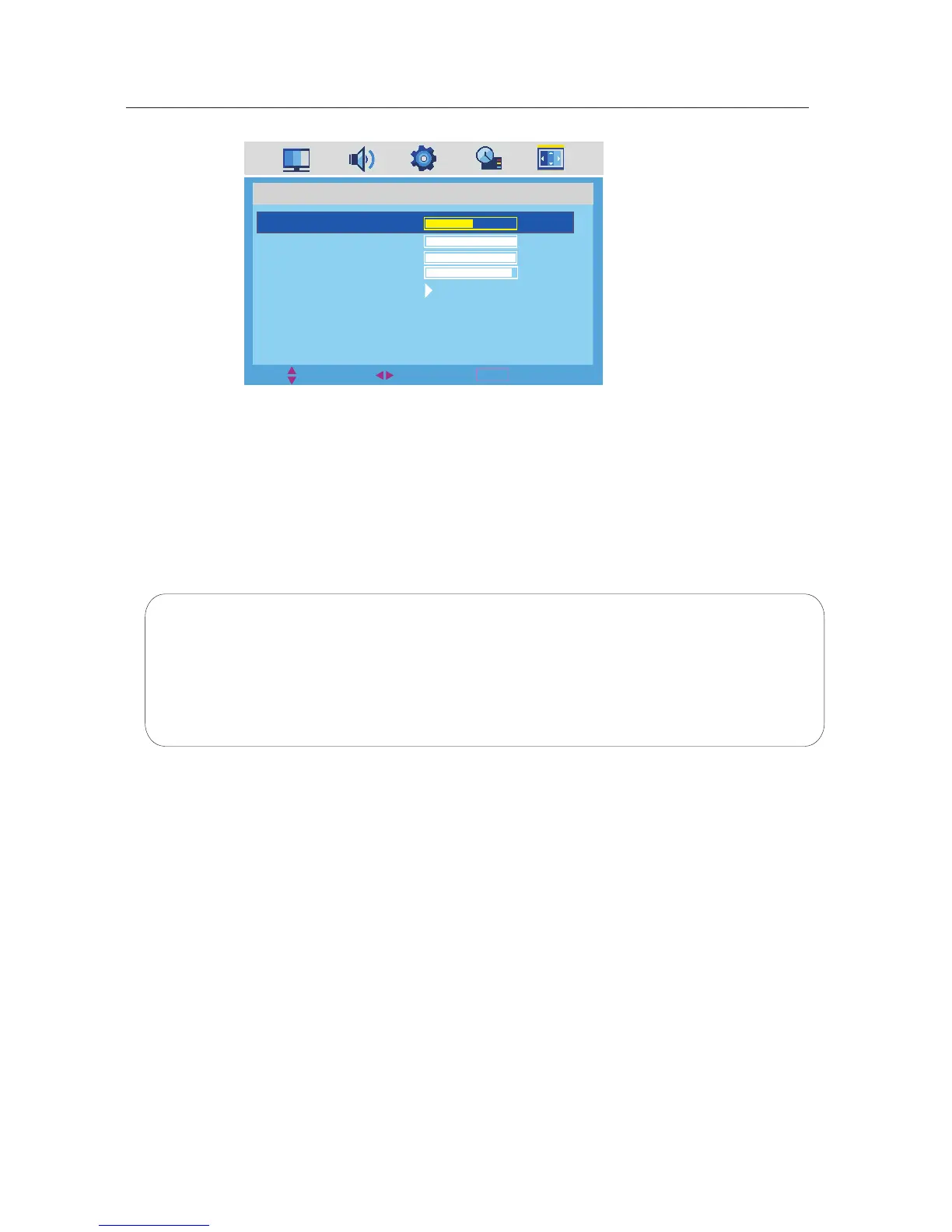
PC SETUP
H-POSITION
V-POSITION
CLOCK
PHASE
AUTO ADJUST
50
100
100
97
·Use down【 ▼】arrow button to highlight V-POSITION. Navigate using 【◄】 /【 ► 】arrow button to select the
V-POSITION.
·Use down【 ▼】arrow button to highlight H-POSITION. Navigate using 【◄】 /【 ► 】arrow button to select the
H-POSITION.
·Use down【 ▼】arrow button to highlight CLOCK. Navigate using 【◄】 /【 ► 】arrow button to select the CLOCK.
·Use down【 ▼】arrow button to highlight AUTO ADJUST. Using 【 ► 】arrow button to auto adjust the options above.
V-POSITION.
Notes: 1.
2. SETTING menu and description are the same as that for TV mode.
3. FUNCTION menuand description are the same as that for TV mode .
SOUND menu and description are the sameas that for TV mode.
24



 To Next Page