OSD Manual
This option has four functions.
·Use the 【DISPLAY】 button to select device.
·Use the 【 ▲】 /【▼】/【◄】 /【►】arrow button to move to select picture.
·Use the【ENTER】 button to view the picture selected.
·Use the 【MENU】 button to exit the picture preview menu.
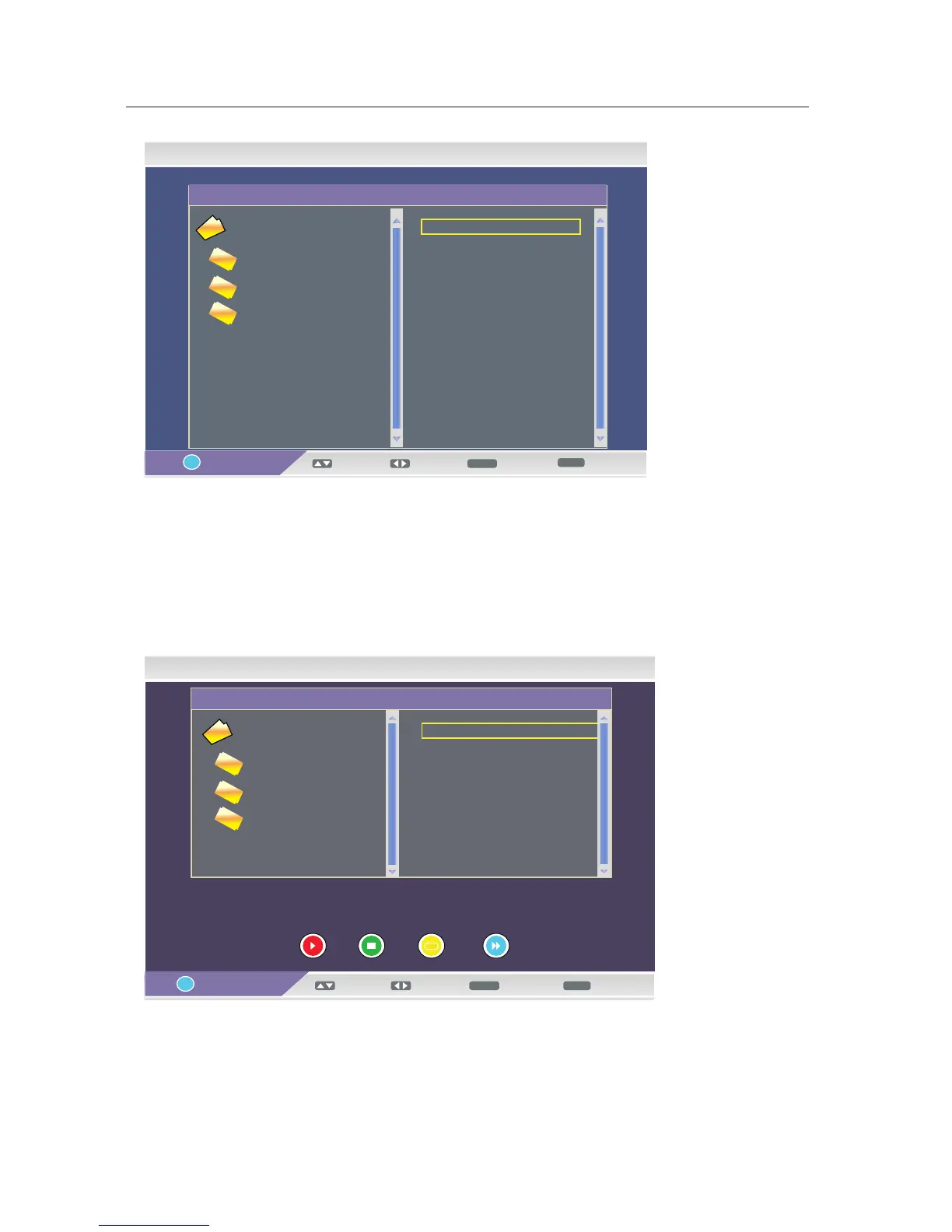
·My Music
This option has eight functions.
·Use the Red button to play or pause the song.
·Use the Green button to stop playing songs.
·Use the Yellow button to select the play mode roundly: No Repeat, Repeat All and Repeat Once.
·Use the Blue button to fast play the song.
My Album - Folder
16/05/09 14:28
View
MENU



 To Next Page