11
2. Wait for about 20 seconds, the display will appear as below. Press the ‘OK’ knob on the
unit’s front pane or the remote control to select “Yes” then press the “OK” button on
the unit’s front panel or the remote control to continue with the setup wizard.
3. The display will appear as below. Press the ‘OK’ knob on the unit or remote control to
highlight the desired hour format and press the “OK” knob on the unit or remote
control to continue.
4. The time and date auto update page will appear as below.
Explanation of the options:
Update from DAB: The time and date will be synchronized from a DAB signal
Update from FM: The time and date will be synchronized from a FM signal
First use
1. Connect the power plug to the DC in (16) on the back of the main unit and then plug the
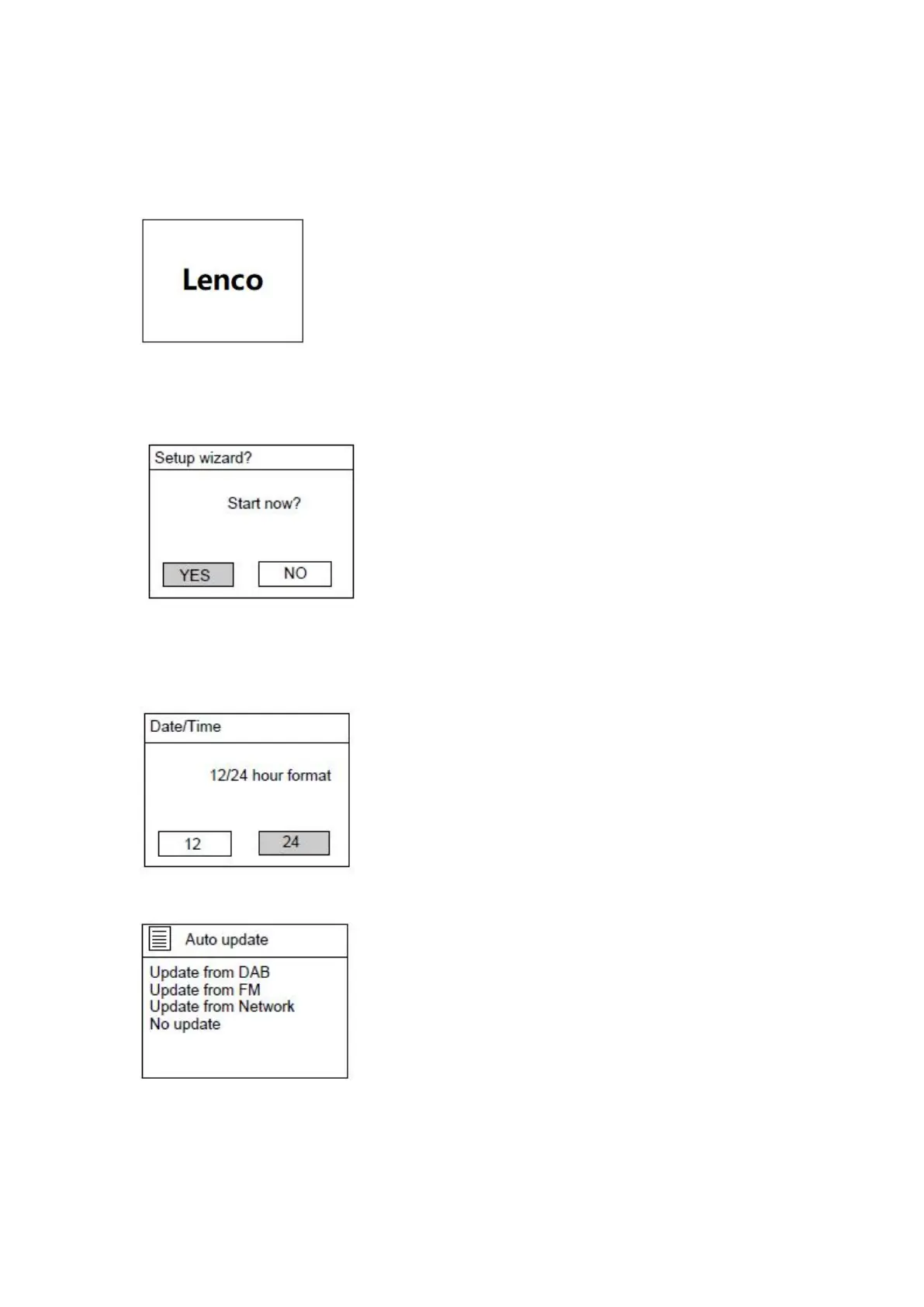
Adapter into the wall outlet. The display will show the Lenco logo as below


 To Next Page