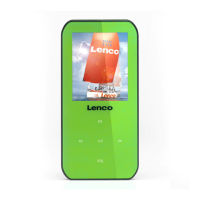
Note: The last status memory will be changed if you have take away the SD memory card and / or
USB disk.
B. Change Function Mode
• Press the “MODE” button to change to “FM Radio or Music” function mode here is in easily
way.
C. Auto Mode
• The player has designed “Auto Mode” function, the player will direct switch to related mode,
when you plug in the source of SD memory card, USB disk or Line In cable. This means that
the mode will change according to the last source have plugged.
D. Enter to Clock Display and Mode Menu
• In function mode, press and hold the “MENU” button to enter to clock display and mode menu,
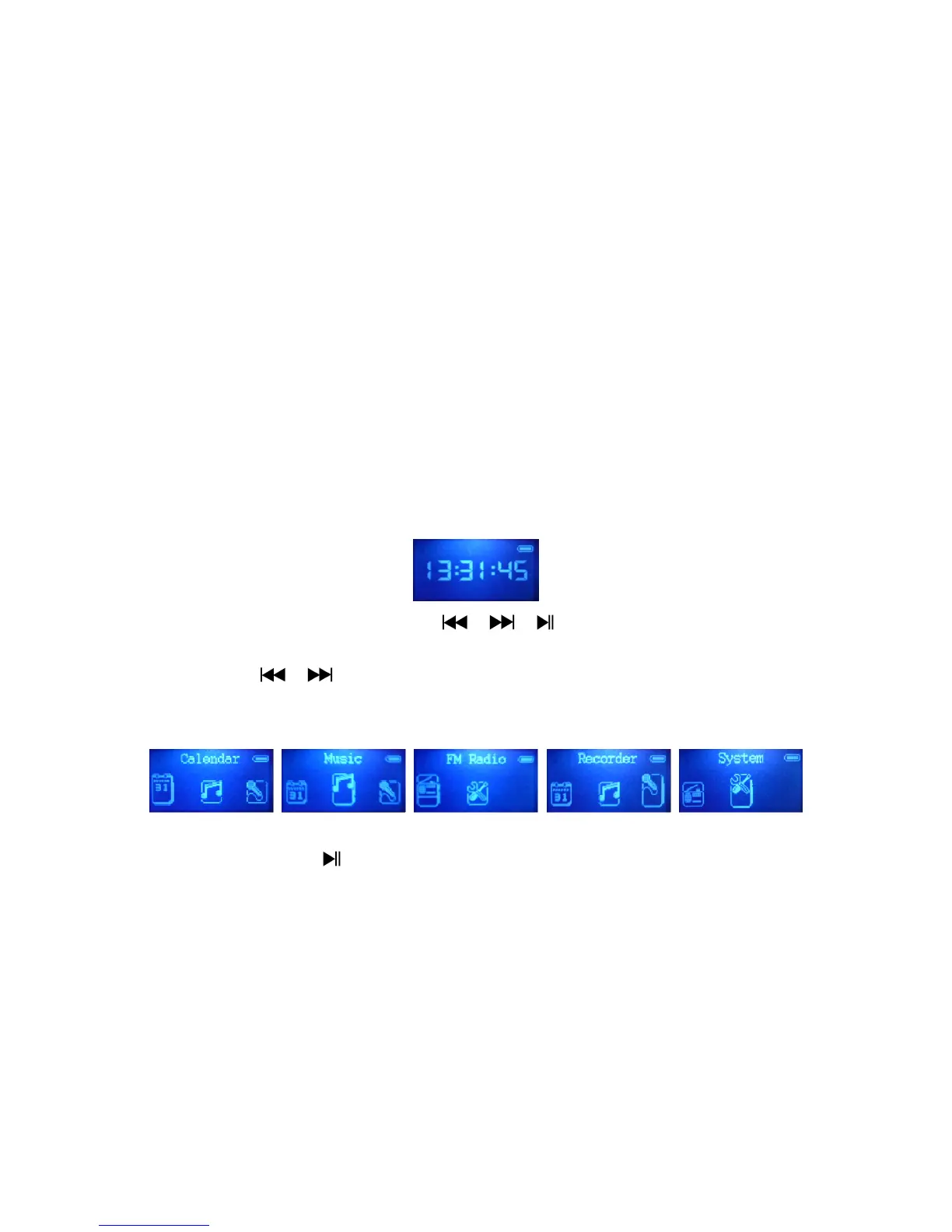
then you will see the clock is displaying.
Clock Display
• In clock display mode, press “MENU / / / ” button will enter to mode menu.
• Then you can find “Calendar / Music / Recorder / FM Radio / System” mode menu here to
choose. Press / button to select your desired mode and press “MENU” button to
enter.
Mode Menu
Note: In menu mode, Press button to back to previous item / menu, press “MENU” button to
enter the selected item. Press and hold “MENU” button to return to “Clock Display” mode.
E. Mode Menu
Calendar
• In mode menu, choose “Calendar” to view the Year, Month, Date and Time” in one screen.
Music
• In mode menu, choose “Music” to enter to music mode.
Recorder


 To Next Page