Basic operations
2712
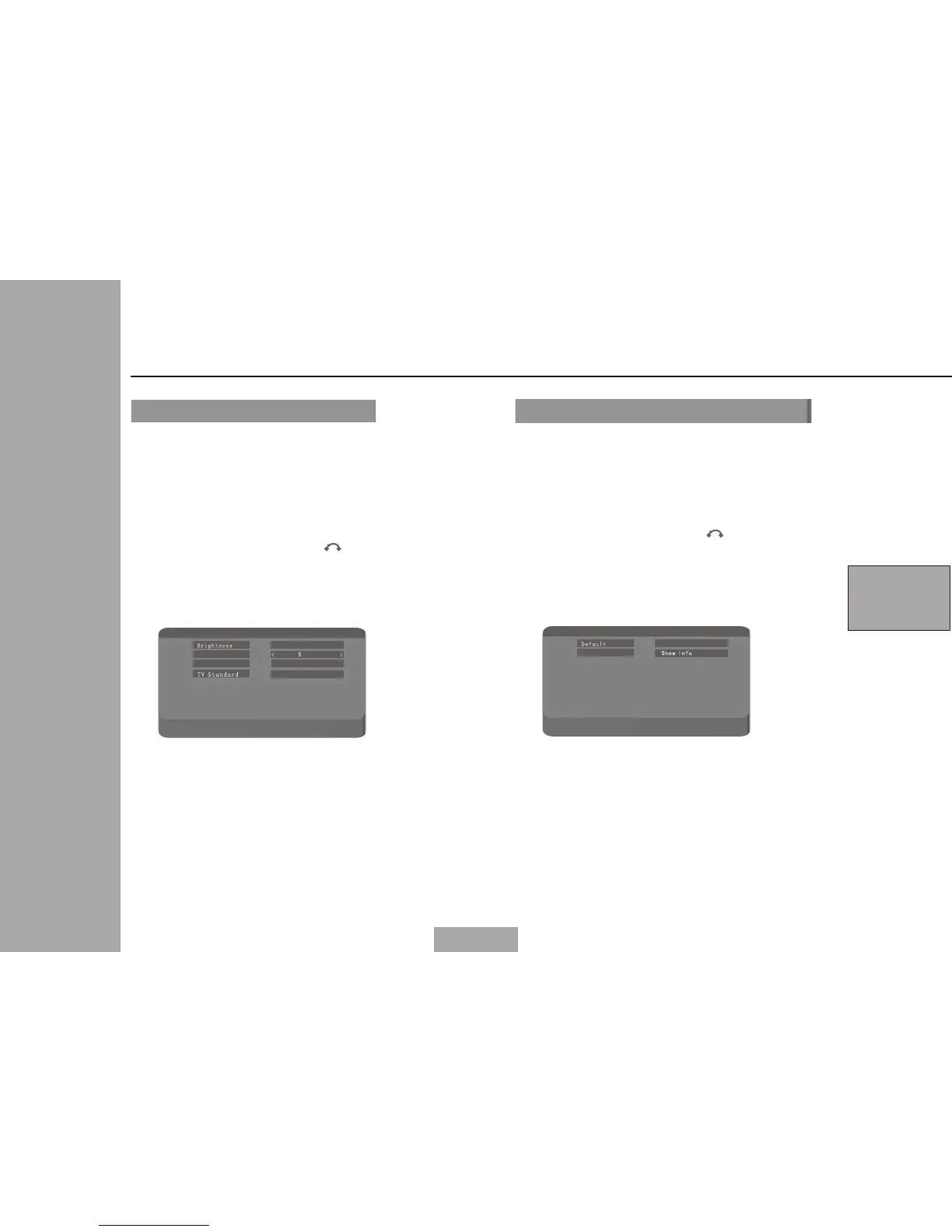
When you select displ ay,the unit
will be shown as following:
Press O K to POP li st.
Using MENU to ex it an d to retu rn.
When you select Syste m,the unit
will be shown as following:
You cou ld use cu rsor UP /Down t o
selec t Defau lt or sys tem Inf o and
press O K to conf irm you r selec t.
Using MENU to ex it and to retu rn.
You could use Cursor key to select
your favorate setting of Brightness,
Contrast,Hue and TV Standard.
Di s pl a y- > B ri gh t ne s s
Pr es s 'R ig ht /L ef t' t o se le ct
Pr es s 'E nt er ' to p op l is t
Br i gh t ne ssBr i gh t ne ss
Co n tr a s t
< 5 >
< 5 >< 5 >
TV S ta nd ar d TV S ta nd ar d
Hu e
< 5 >
< NT SC >
Sy s te m -> D e fa ul t
Pr es s 'U p/ Do wn ' to m ov e
Pr es s 'E nt er ' to c on fi rm a ct io n
De f au l tDe f au l t
Sy s te m I n f o
Lo a d
Sh o w In f o Sh o w In f o
Sy stem
Di splay
5


 To Next Page
 Loading...
