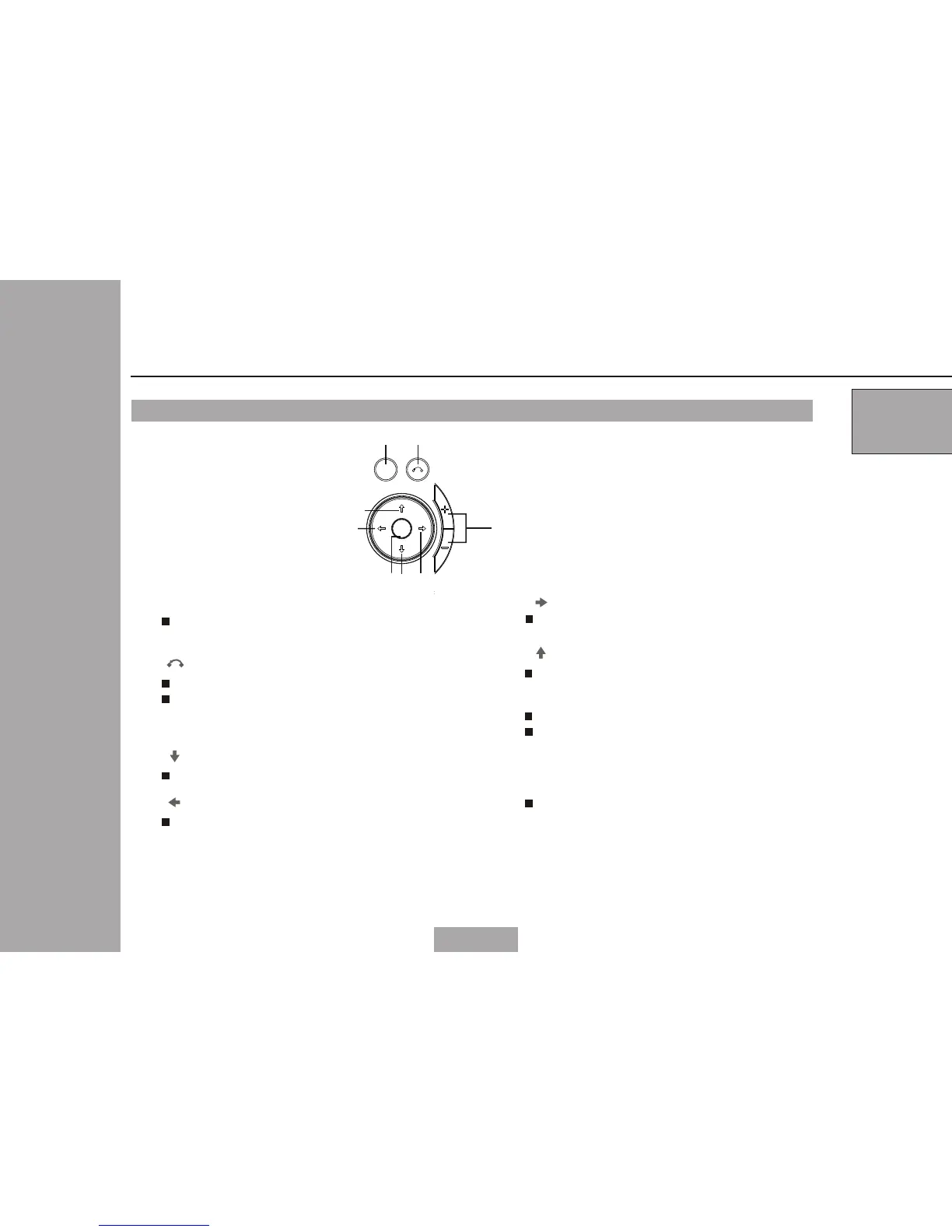
Keypad in the main unit
1.
2.
3.
4.
5.
Menu
Press the button to set the system
information.
/
OK
Press the button to confirm the select
6.
1
2
2
Parts & Functions
Fav-
/
Fav+
Cursor left/Favorite program
subtract
Cursor right/Favorite program
addition
04
/CH-
Cursor down/channel subtract
/CH+
Cursor up/channel addition
7.
8.
Volume +/-
Press these buttons to increase/
decrease the volume when the main
unit is in play mode.
Press the button to display program
information when the main unit is in
play mode.
Press the button to select Teletext,
Language,Subtitle when the main
unit is in play mode.
Press the button to Return
3
4
5
6
7
8
MENU
CH+
CH-
Fav- Fav+
OK



 To Next Page