3
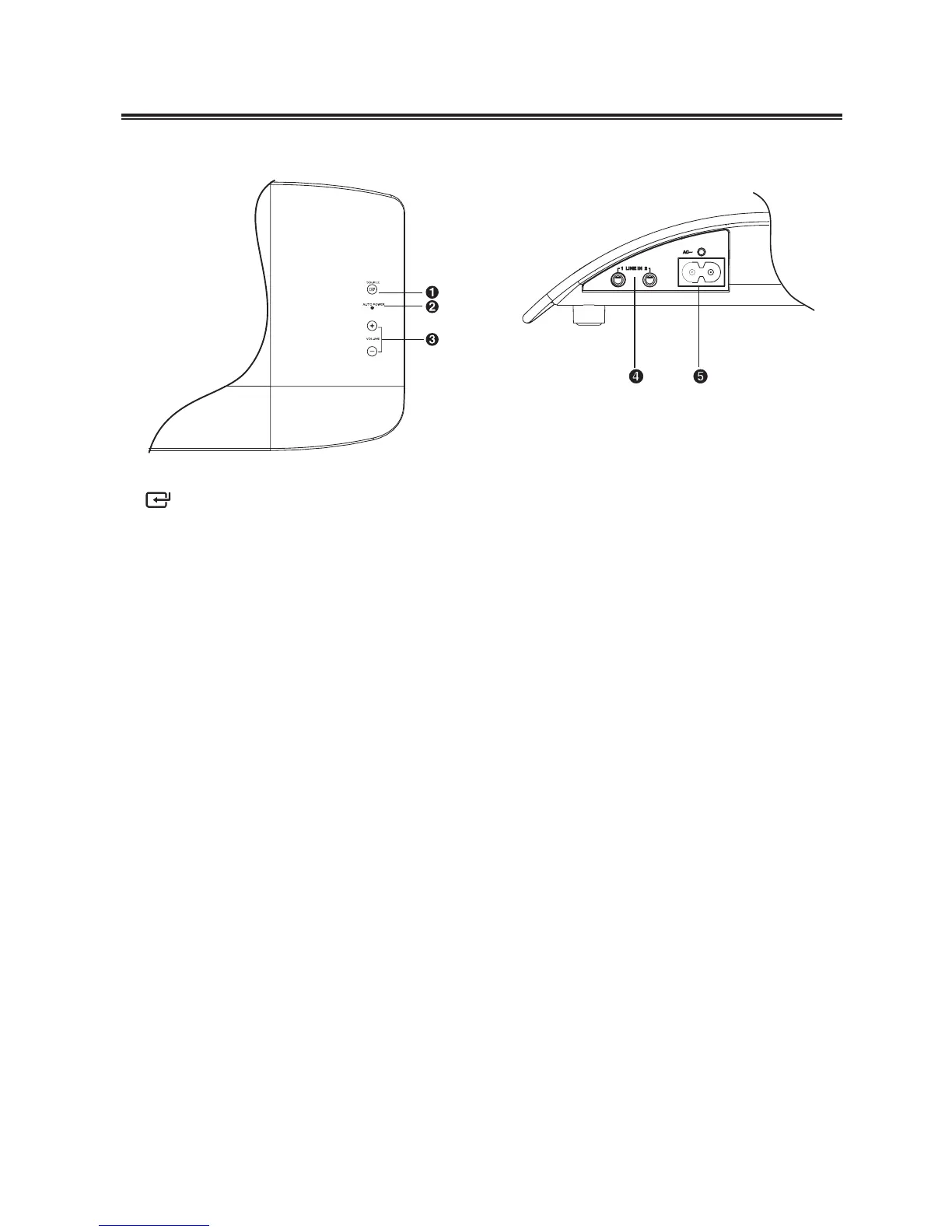
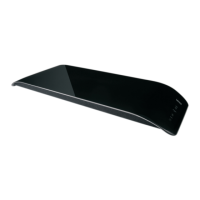
Main Unit: Top View
1 /SOURCE
Select LINE IN 1 or LINE IN 2.
2 AUTO POWER Light
Indicate mode of auto power.
Red light: Standby mode.
Green light: play through LINE IN 1.
Yellow light: play through LINE IN 2.
3 + VOLUME -
Increase or decrease the volume
level.
Rear View
4 LINE IN Terminal
Connect to an external audio
device.
5 AC~
Connect to a power source.
Identifying the Parts


 To Next Page