
 Need help?
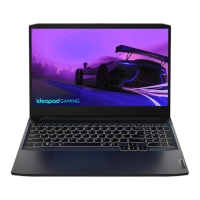
Do you have a question about the Lenovo 15ARH05 and is the answer not in the manual?
Guidelines for safe operation, lifting, and personal protection during maintenance.
Rules for working on electrical equipment, including power disconnection and hazard awareness.
Step-by-step instructions for removing the bottom cover of the laptop.
Procedure for safely disconnecting and removing the laptop's battery.
Instructions for disconnecting and removing the SSD from the system.
Detailed steps for disconnecting cables and removing the main system board.
 General
| Display | 15.6" FHD (1920 x 1080) IPS |
|---|---|
| Storage | 512GB SSD |
| Operating System | Windows 10 Home |
| RAM | 16GB DDR4 |
| Weight | 2.2 kg |
| Processor | AMD Ryzen 5 4600H |
| Graphics | AMD Radeon Graphics |


 To Next Page