• Tomutethemicrophone,slidetheMicrophonemuteswitchtowardsthe
directionofthemuteicon.
• ToturnotheBluetooth,useavoicecommand.
Name Model
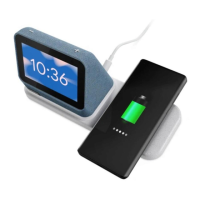
WirelessChargingDockforLenovoSmartClocks LenovoSE-A61UW
4
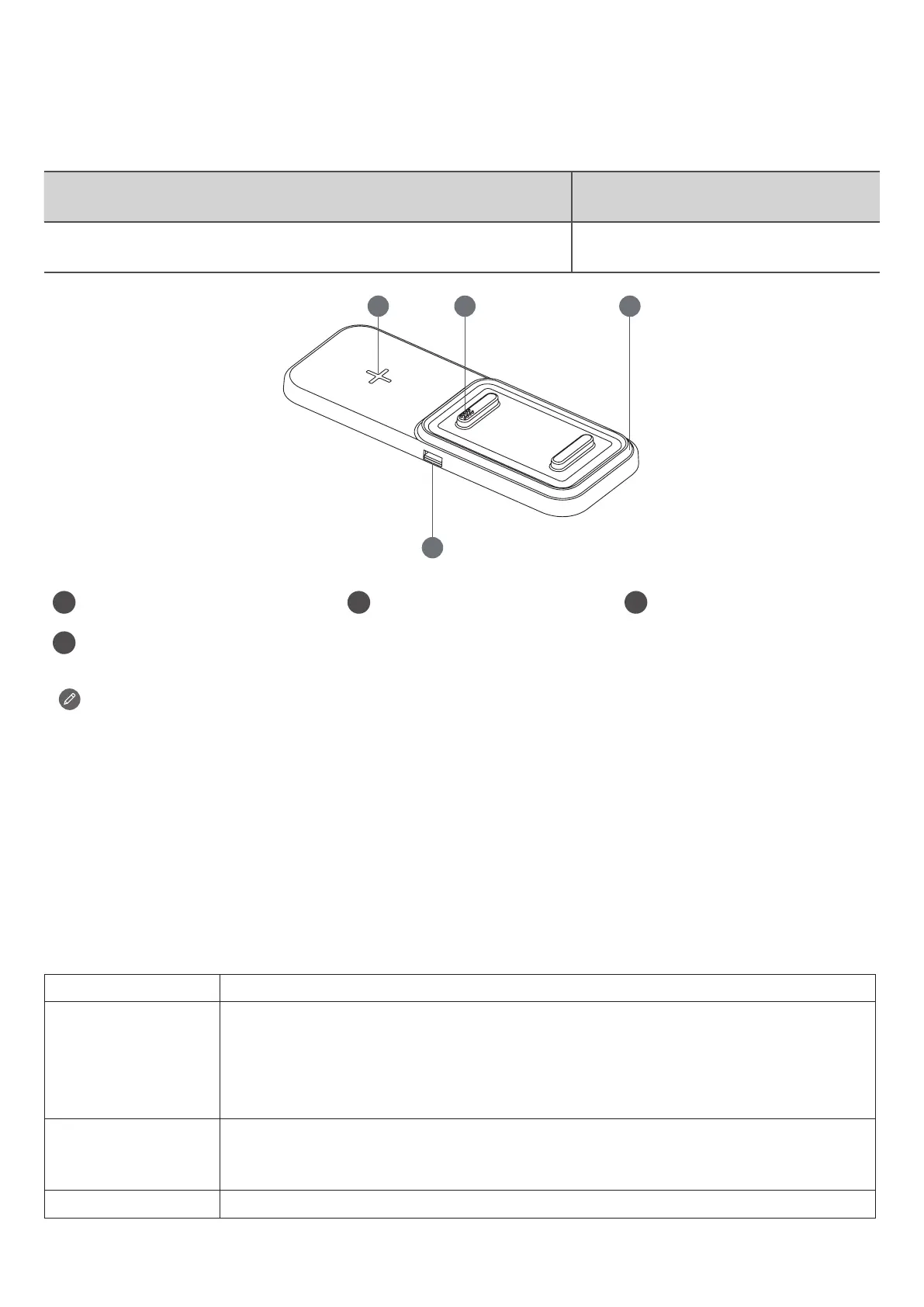
1 Wirelesschargingarea 2 Dockconnector 3 Nightlight
4
USBconnector
• Alignthecentralareaofyourmobilephonewiththe“+”positionfor
continuousandstablecharging.
• WirelessChargingDockforLenovoSmartClocksmaintainscompatibilitywith
QichargingandMagSafefunction.
• TheUSBconnectorcanbeusedtochargeyourphoneorotherdevices.
Wireless charger compatibility
WirelessChargingDockforLenovoSmartClocksmaintainscompatibilitywithQicharging
onthreemodestochargeyourphoneorotherdevices.
Modetype Qi-enabledphonesanddevices
10WMode SamsungGalaxyS21,SamsungGalaxyS20,SamsungGalaxyS10,
SamsungGalaxyS9+,SamsungGalaxyS9,SamsungGalaxyS8,
SamsungGalaxyS8+,SamsungNote20,SamsungNote10,Samsung
Note9,SamsungNote8,LGV30+,LGV40,HuaweiMate20Pro,
Xiaomi9,GooglePixel5,GooglePixel4XL
7.5WMode iPhone12,iPhone12Mini,iPhone12ProMax,iPhone11,iPhone11
ProMax,iPhoneXSMax,iPhoneXR,iPhoneXS,iPhoneX,iPhone8,
iPhone8Plus
5WMode GooglePixel3XL,GooglePixelBuds2,AirPods,AirPodsPro


 To Next Page