Chapter 2. Starting to use Windows 10
13
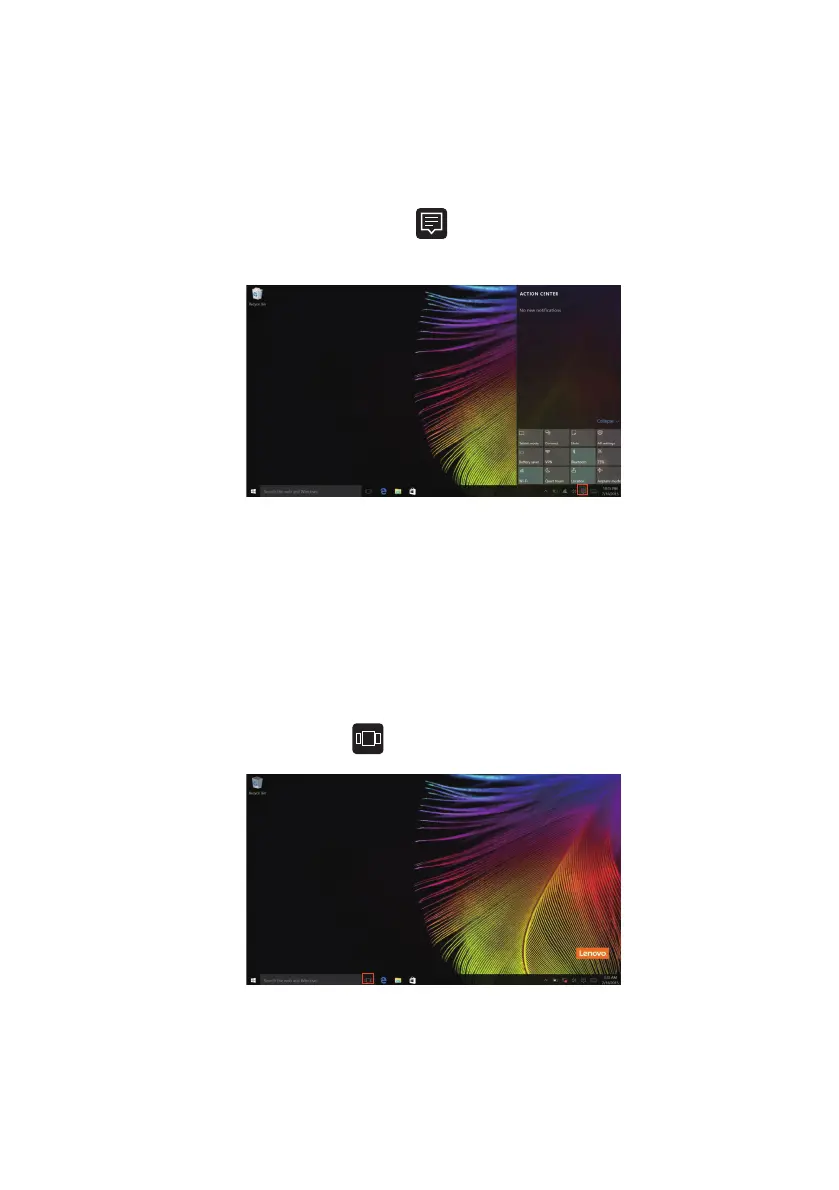
The ACTION CENTER
SelecttheACTIONCENTERicon onthetaskbarandtheACTION
CENTERisdi
splayed.
FromtheACTIONCENTER,youcanexamineimportantnotificationsfrom
Windowsandyourapps.Moreover,youcan changecommonsettings
quickly.
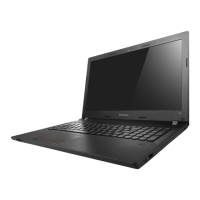
Task View in taskbar
InWindows10,youcanaddanewdesktopandswitchbetweendifferent
desktops.
Toaddanewdesk
top,dothefollowing:
• ClicktheTa
skViewicon inthetaskbararea.


 To Next Page