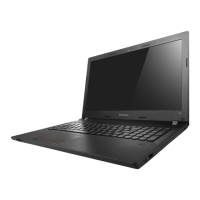
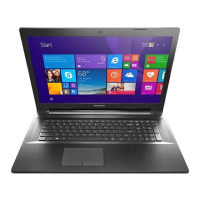
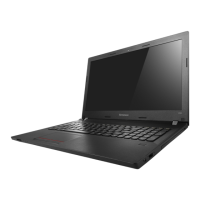
a Swivel camera
Usethecameraforvideocommunication.
Chapter 1. Getting to know your computer
2
Attention:
• Th
ecamerapanelcanrotate180degree.However,forcingthecamerapanelbeyondthis
pointmaycausedamage.
b Built-in
microphone
Capturesoundwhichcanbeusedforvideoconferencing,
voicenarration,oraudiorecording.
c Wireless LAN
antennas
ConnecttoawirelessLANadaptertosendandreceive
wirelessradiosignals.
d Computer display
TheLCDdisplaywithLEDbacklightprovidesbrilliant
visualoutput.
e Novo button
Whenthecomputerisoff,pressthisbuttontostartthe
recoverysystemortheBIOSsetuputility,ortoenterthe
bootmenu.
Note: Fordetails,see“Chapter3.Recoverysystem”onpage19.
f Power button
Pressthisbuttontoturnonthecomputer.


 To Next Page