In recording state, short press the
Play/Stop button to pause the current
recording and repress the Play/Stop
button to continue the current
recording.
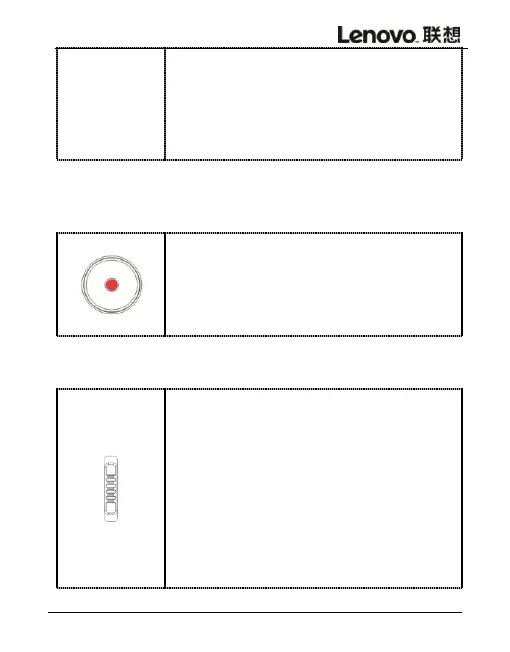
In recording state, short press the
Play/Stop button to sop current
recording and save recording files.
In recording state, tap the microphone
sensitivity switch RECLEVEL to the
position of H for microphone high
sensitivity mode.Tap microphone
sensitivity switch RECLEVEL to the
position of L for microphone low
sensitivity mode( H for high
sensitivity / L for low sensitivity)



 To Next Page