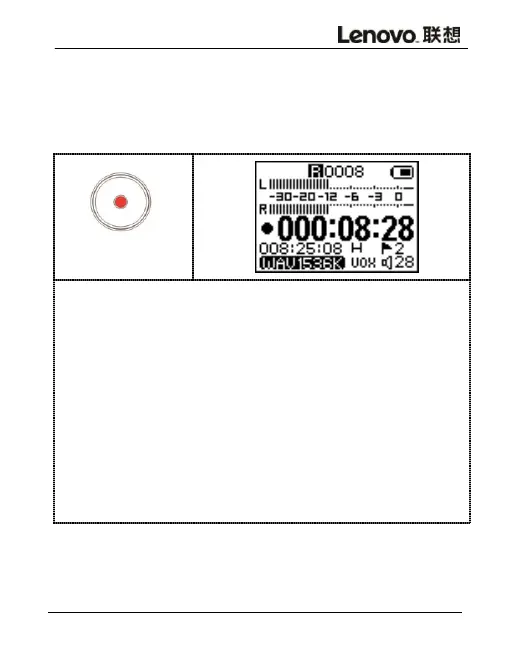
when power on,short press the recording key to start
recording .The recording indicator begins to move during
recording.Recording dynamic level moves with sound
volume.
1,One-switch Power-on recording: In the power-off
state, long press the recording button for 3 seconds
makes the machine automatically turn on directly into
recording state;
2,Recording file of B613 is named after
year,month,date,hour, minute and second
20150518141520.WAV .



 To Next Page