B613
•8•
二 Recording
Reference: short- press means press the button ,then
loose it;long-press means press the button for 2-3
seconds and then loose it.
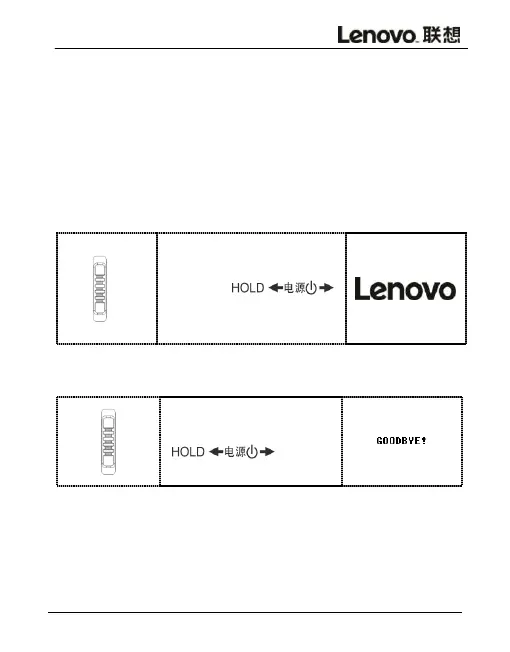
1.Power on
Tap the power switch
down for 3
seconds.
The interface appears as
shown on the right.
2.Power off
Tap the power switch up
for 3 seconds
turn
off the recorder.
3.Reset
If the recorder crashes, press "reset" to reset the system
and if it still cannot be boomed , please check if the



 To Next Page