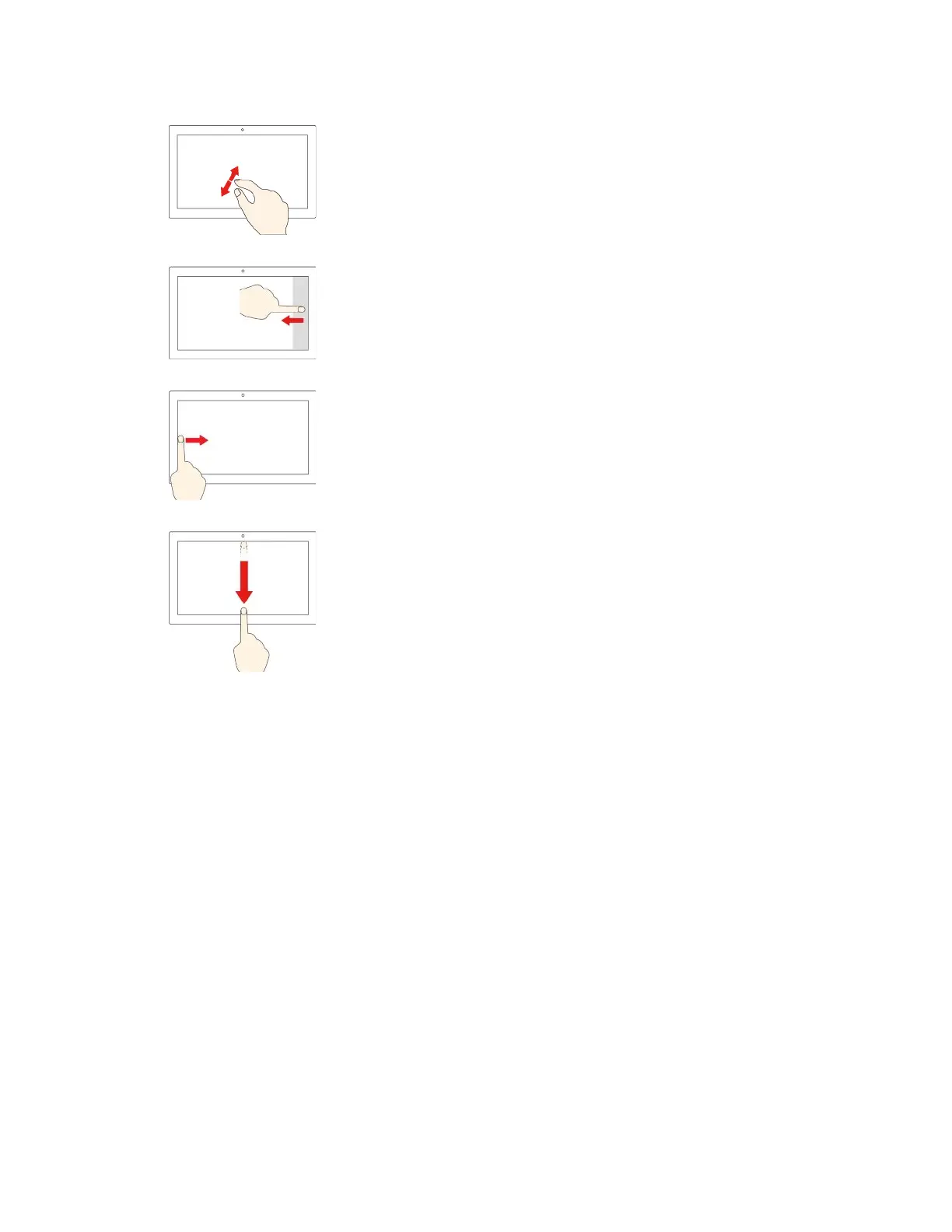
Move two fingers farther apart
Zoom in.
Swipe in from the right edge
Open the action center to see your notifications and quick actions.
Swipe in from the left edge
View all your open windows in task view.
• Swipe downwards shortly from the top edge (for full-screened
app or when your computer is in the tablet mode)
Show a hidden title bar.
• Swipe in from the top edge to the bottom edge (when your
computer is in the tablet mode)
Close the current app.
18 User Guide







 To Next Page