Chapter 1. Getting to know your computer
5
Positioning the display panel
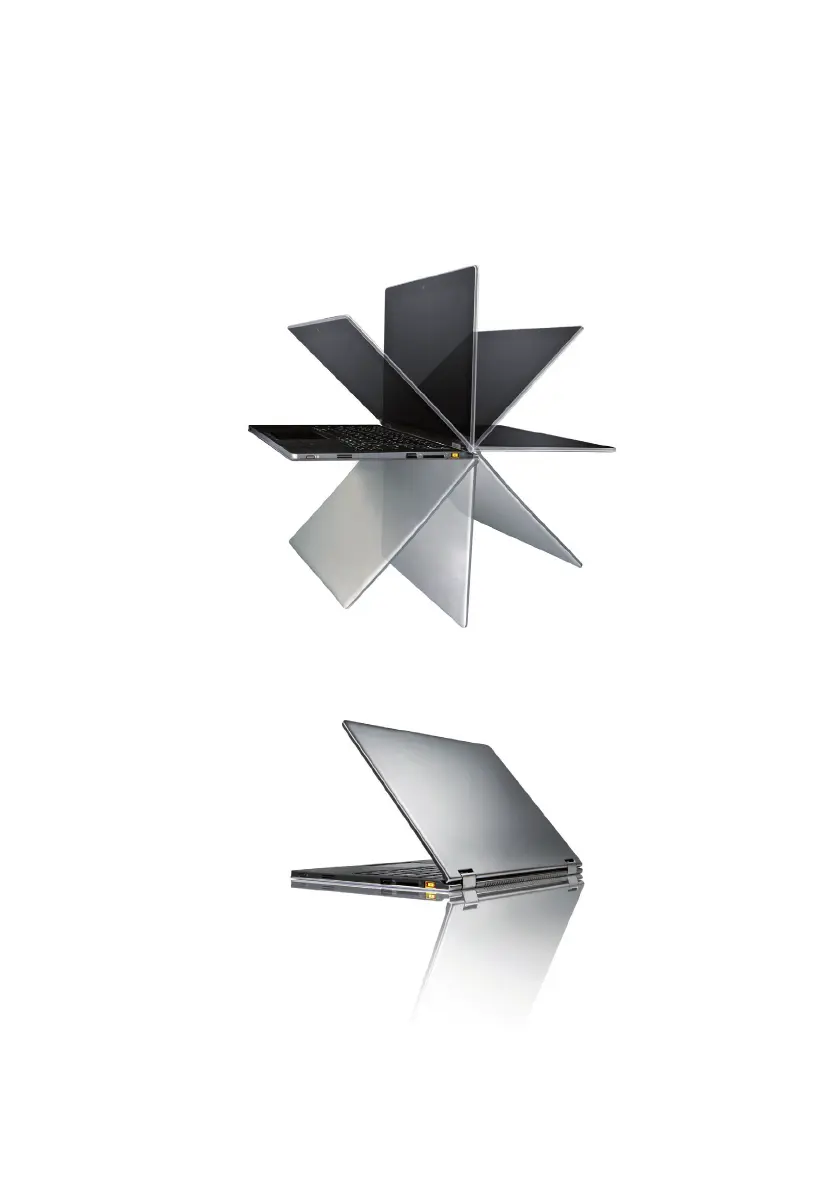
The display panel can be opened to any angle up to 360 degrees.
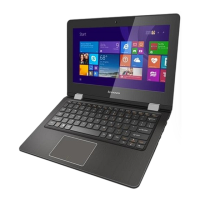
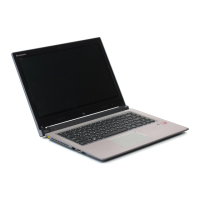
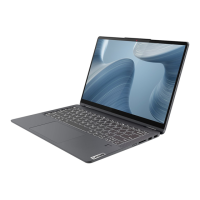
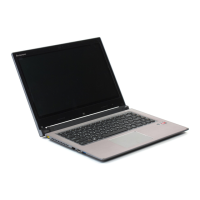
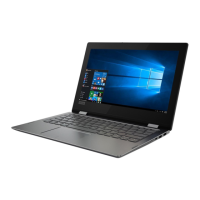
Notebook Mode
Suitable for tasks that require a keyboard and mouse (such as creating
documents, writing e-mails, and so on).


 To Next Page
 Loading...