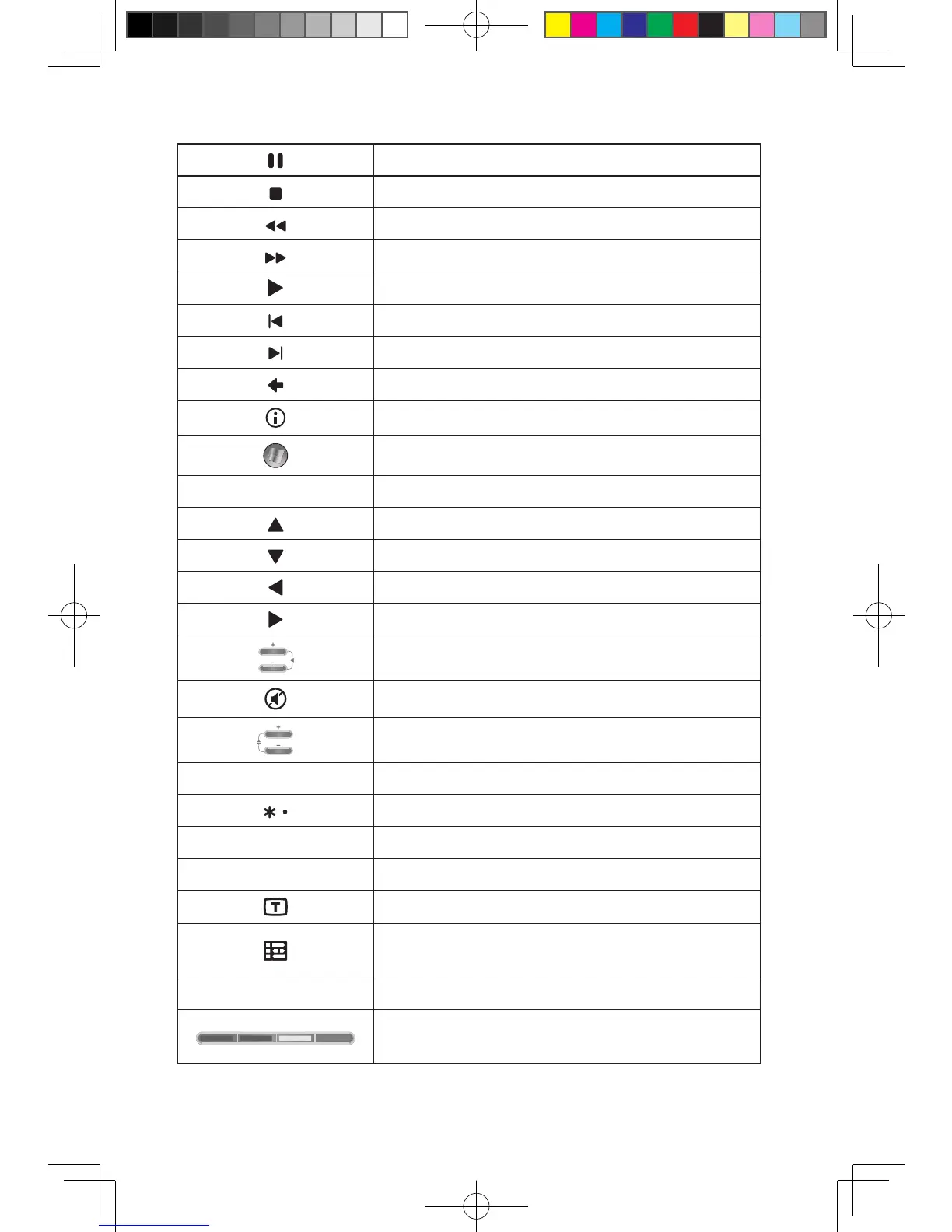
Pause
Stop
Rewind
Fast Forward
Play
Replay
Skip
Back
More
Start Windows Media Center
OK OK
Up
Down
Left
Right
Vol Up, Vol Down
Mute
Ch/Pg Up,Down
0~9 Digit keys
* key
# # key
CLEAR Clear
Teletext On/Off (Selected models only)
Guide (This function is not available in Microsoft
Windows operating systems.)
ENTER Enter
Red, Green, Yellow, Blue Teletext keys
(Selected models only)








 To Next Page