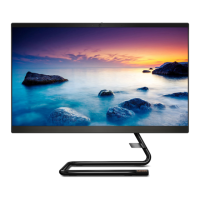
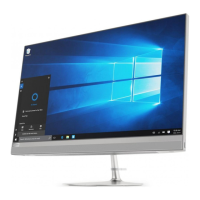
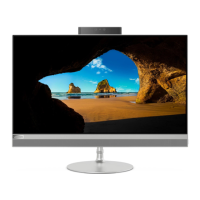
Rear
IdeaCentre AIO 3 22ITL6, IdeaCentre AIO 3 24ITL6, and IdeaCentre AIO 3 27ITL6
1. Power button/Power button indicator 2. Power connector
3. HDMI out connector 4. USB 3.1 Gen 2 connectors
5. Ethernet connector 6. USB 2.0 connectors
7. Optical drive eject button
Related topics
• “Use the optical drive (for selected models)” on page 12.
• “Connect an external display” on page 9.
• “USB specifications” on page 4.
Power indicator
Show the system status of your computer.
• Blinking for three times: The computer is initially connected to power.
• On: The computer is on.
• Off: The computer is off or in hibernation mode.
• Blinking rapidly: The computer is entering sleep or hibernation mode.
• Blinking slowly: The computer is in sleep mode.
Chapter 1. Meet your computer 3



 To Next Page
 Loading...