Back
Next
Menu More
At a glance
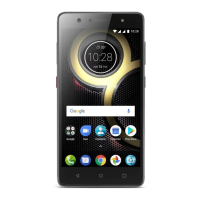
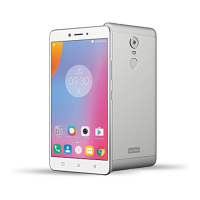
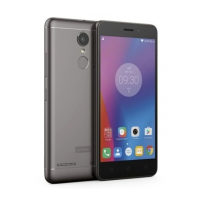
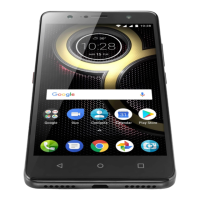
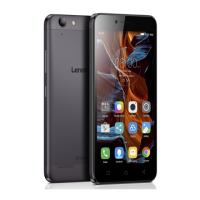
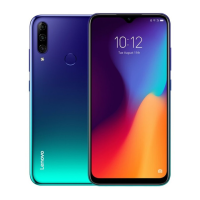
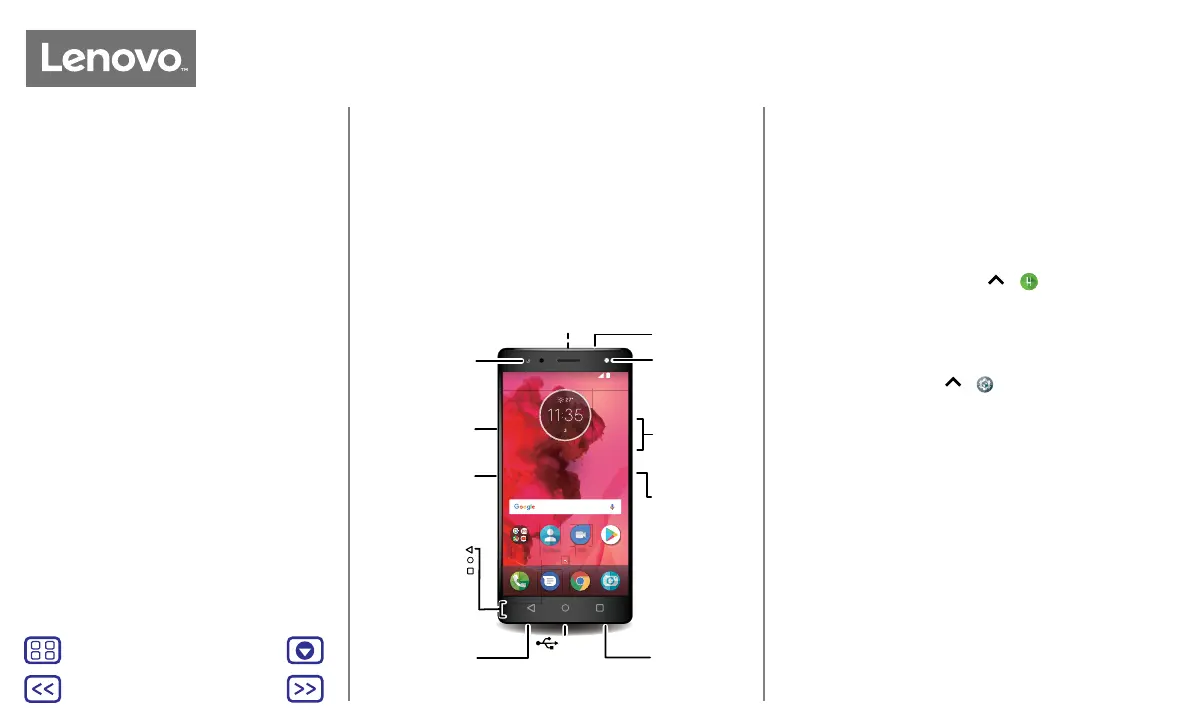
First look - Lenovo K8
Let's get started. We'll guide you through start-up and tell
you a bit about your phone's features.
Note: software updates happen frequently, so your phone
may look a little dierent.
11:35
JUL
MON
DUO
Contacts
Google
Play store
Microphone
Selfie flash/
light
Power Button
Front
camera
Back
Home
Recents
USB/
Charger
Headset
Jack
SIM & microSD
card slots
Music key
Speaker
Volume
buttons
Press:
display on/o.
Press & hold:
phone on/o.
Back camera
Go to Settings >
Music Key for more
information.
Tips & tricks
• Start: insert the SIM card or cards in your phone and
charge up. Then power on and follow the screen prompts
to set up your phone. See “Start: Lenovo K8”.
• Top topics: just want a quick list of what your phone can
do? See “Hot topics”.
• Help: all your questions about your new phone answered
right on your phone. Swipe up
> Lenovo Help.
Want even more? See “Get help & more”.
Note: certain apps and features may not be available in all
countries.
Caution: before using your phone, please read the Legal
information by swiping up > Settings > Legal
information.
At a glance
First look - Lenovo K8
Hot topics
At a glance
a quick look


 To Next Page
 Loading...